
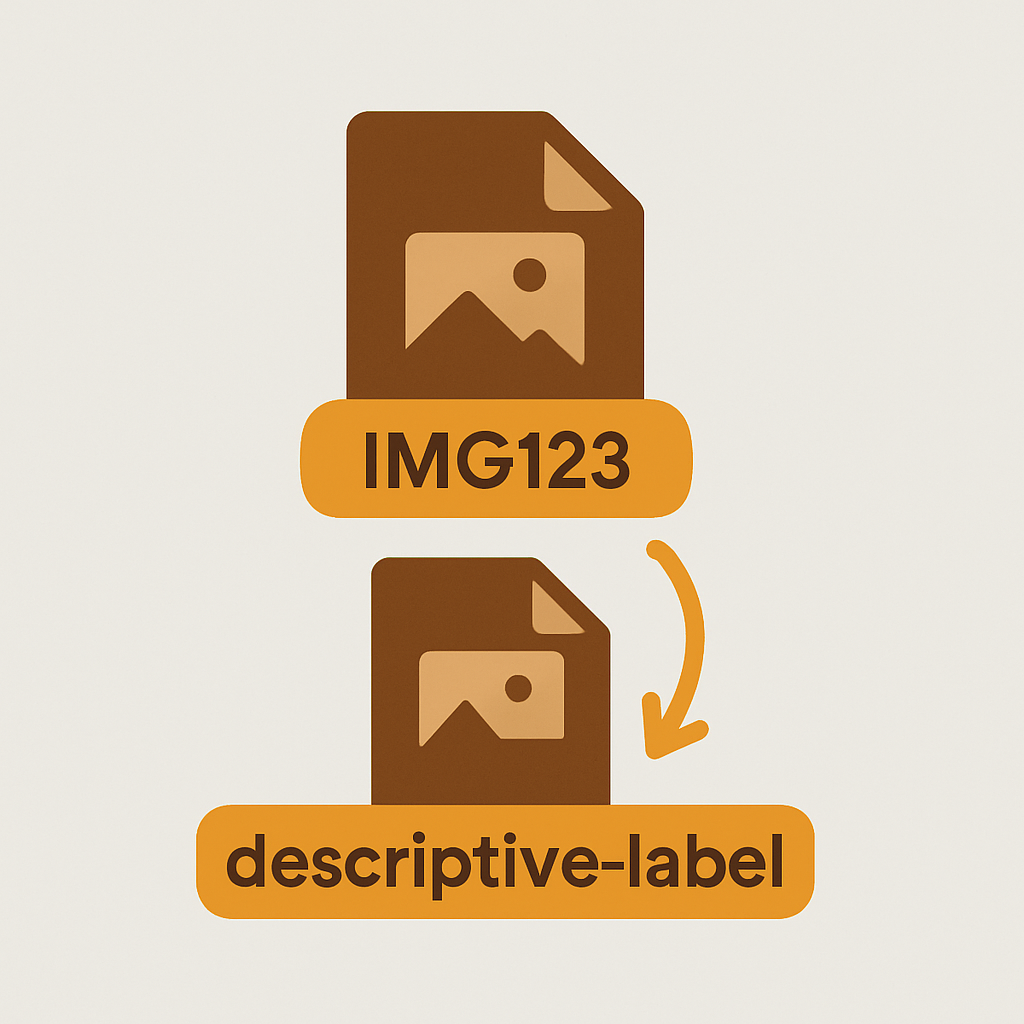
Shopify image filename SEO – the cheapest organic you’ll ever leave on the floor if you don’t pick up on this simple trick. Google reads the filename of uploaded images and uses that as a ranking signal when it comes to Google Images, as well as incorporating that into the overall relevance of a product page. Therefore, renaming your images before uploading will continue to yield multiple instances of increased organic ranking across your catalog.
This has to be done before the file is uploaded. Shopify changes the file name to the product name with the file extension as soon as the image is uploaded to the Shopify store. Also, you can change the alt text later, but cannot change the file name without reuploading the image. So, this has to be done just right.
This guide explains why filenames are important, includes good and bad examples, looks at suitable characters for use in filenames, covers filename length restrictions and looks at the relationship between filenames and alt text. We also look at the free software you need to perform bulk image renaming operations and show you how to process one thousand image files with one drag and drop operation.
In this post
- Why filenames matter
- Before and after examples
- The filename formula
- Hyphens vs underscores
- Character limits
- Filenames and alt text
- FAQ
Why filenames matter
In addition to using keywords in the alt attribute, Google reportedly uses the filename of an image as a ranking factor in image search results. The filename is just one of several places Google looks for text associated with images, also including the alt attribute, the surrounding content on the page, captions and the title of the page. Note that you lose one slot by not including the filename in the file name.
Google Images is not a vanity channel. While it can be tempting to optimize for image search rankings simply to see your brand or products show up, Google Images is a tremendous driver of product discovery. In many categories like apparel, home furnishings (furniture), jewelry, and other visually-driven categories images account for a huge percentage of traffic. And here’s a bonus: pages that rank in Google Images tend to get a lot of clicks on the images themselves , and those clicks tend to convert at rates close to organic search. So you can get free traffic if you optimize correctly.
Before and after examples
| Camera default (bad) | Renamed (good) |
|---|---|
| IMG_4729.jpg | mens-navy-cotton-crewneck-front.jpg |
| DSC00182.jpg | walnut-oak-dining-table-side.jpg |
| PXL_20240514_113042.jpg | rose-gold-hoop-earrings-model.jpg |
| Screenshot 2024-06-02 at 15.22.png | beige-linen-throw-pillow-detail.jpg |
The bad column in that output stream conveys zero useful information to Google. The good column, however, contains product type, color, material, AND shot angle, all in a single pass, and can easily be trained using the bulk image renamer to allow pattern matching across all of the images in a directory at the same time.
The filename formula
Use this order, from most general to most specific:
[product-type]-[color]-[material-or-feature]-[shot-angle].jpg
- leather-crossbody-bag-cognac-front.jpg
- leather-crossbody-bag-cognac-interior.jpg
- leather-crossbody-bag-black-model.jpg
All files have the same two word prefix, this will make bulk renaming easier as well as when shopify groups all images of a product by variant. Many image variant assignment tools also look for the pattern of files with the same first few characters to assign the correct image variant.
Hyphens vs underscores
Use Hyphens. Always use hyphens in your file naming. Google indexes hyphens as word separators. Underscores are treated as word joiners. mens_blue_shirt.jpg is indexed as mensblueshirt, while mens-blue-shirt.jpg is indexed as three separate words mens, blue, and shirt. Three words win every time.
Another trick to keep files on remotes unique, is to use only lowercase letters and numbers, and no spaces, and no upper case letters, and avoid special characters like &, @, #, (, ), etc.. – You can safely use hyphens (-).
Character limits
Shopify doesn’t put a cap on the length of filenames but you will reach a limit where it just doesn’t matter. Google only reads the first 60 characters or so before it starts to loose interest in the string. For your image filenames try to keep them in the 30 to 60 character range. Short enough to read easily but long enough to let someone else know what the image is.
keyword stuffing a filename looks spammy and is bad for you.
Filenames and alt text
they are related but not the same. The filename of the image file itself needs to reflect its contents, for people who can’t see the image (eg, by viewing the HTML source) and for Google, of course. The alt attribute is for people who can see images but who may want to know what the image is (eg, screen reader users, people browsing over slow connections, people who break your images for political or aesthetic reasons). Both should reflect the image’s contents, and both should be meaningful to Google. Ideally, both should say something similar, but not identical.
Example pair:
- Filename: walnut-oak-dining-table-side.jpg
- Alt text: Walnut oak dining table shown from the side with bench seating
For your variation images, take a tool like Rubik Variant Images which can automatically assign variation images from your product images folder to their corresponding variants based off the file name and alt text. Since you’re going for an awesome naming convention for SEO purposes, you get to automate another step of your store’s workflow. This feature is particularly useful for larger stores with thousands of products and can even be used in conjunction with a Rubik Catalog combined listings add-on to automatically update all of your product listings at once after you organize and rename your entire catalog with Rubik Combined Listings.
Rename before you upload
Process product photos in your bulk renamer before uploading to Shopify. This only takes 10 minutes but locks in SEO gains for life. Watch the live demo store, tutorial video, or the getting started guide.
FAQ
Can I rename image files after uploading to Shopify?
Shopify do not allow you to rename uploaded image files. The file name has to be changed before upload. ie delete image, rename file, upload again.
Do image filenames really affect SEO?
Yes. Google has stated that the filename of an image is one of the factors that they consider for ranking in image search. They also consider the alt text, the surrounding text and the context of the page.
Hyphens or underscores in image filenames?
Use hyphens, not underscores. Google splits words with hyphens but mashes together words with underscores, so using hyphens will result in your keywords actually being parsed properly.
How long should an image filename be?
Short descriptive text 30-60 characters long.
Should filename match alt text exactly?
They should be similar but not duplicate each other. Instead of being exactly the same, the alt text for an image should be a full sentence for human understanding and the filename should be a shorter, kebab case list of descriptors.
Can I bulk rename product images?
Yes. Rename hundreds or thousands of image files at once with our free, easy-to-use bulk image renamer.
Does Shopify strip characters from filenames?
Shopify will replace spaces with underscores and strip off some special characters while prefixing a .shopify subdomain. It’s best to start with a clean lowercase kebab case filename.




