
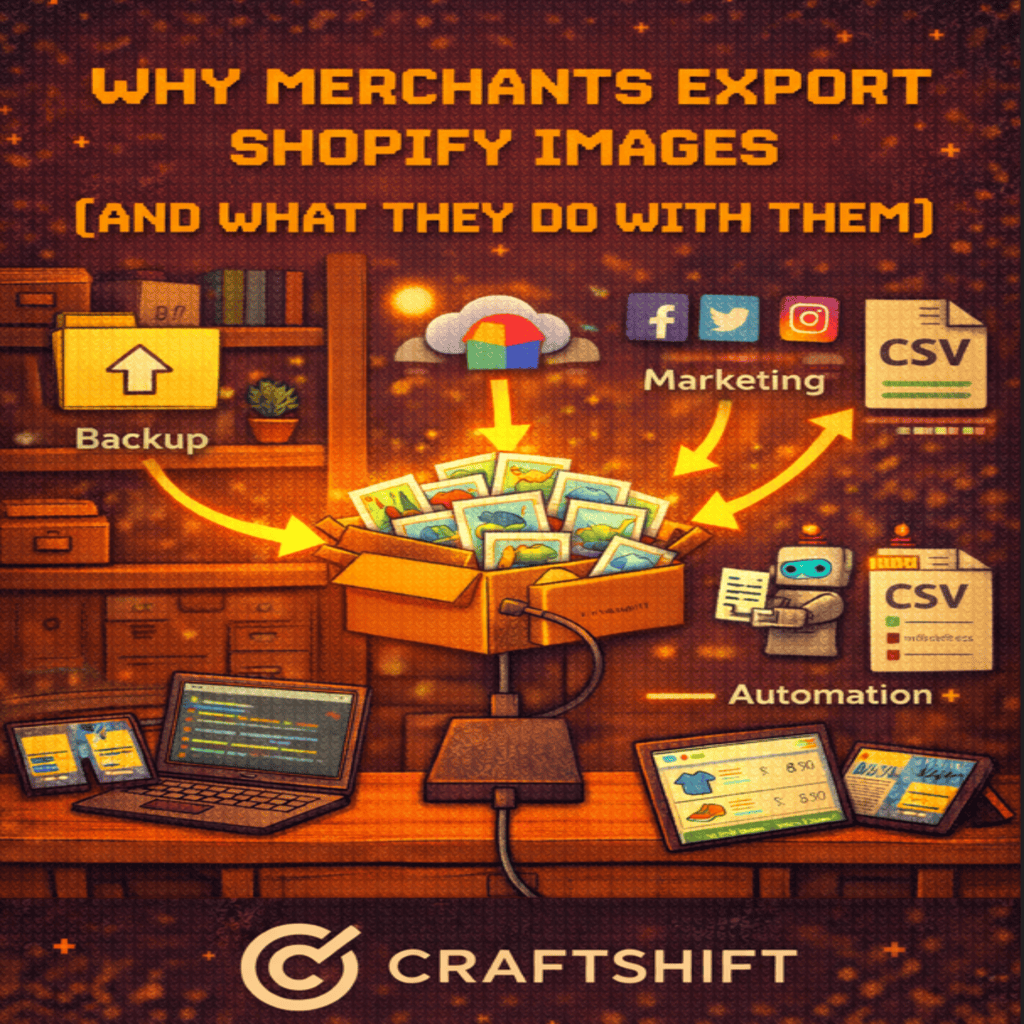
Product images are one of the most valuable assets in a Shopify store. They represent brand identity, influence purchasing decisions, and power sales across multiple channels. Yet many merchants only think about images inside Shopify, not beyond it.
In reality, exporting Shopify images is a common and necessary practice. Merchants export images to protect their data, reuse content across platforms, and scale operations without rebuilding visual assets from scratch.
In this article, we explore why merchants export Shopify images and what they actually do with them after export.
Common Shopify Image Export Use Cases
Shopify merchants export images for many operational and growth-related reasons. These use cases often appear as a business scales beyond a single storefront.
Selling on Marketplaces Like Amazon and Google
Marketplaces require structured image sets tied to specific SKUs. Merchants exporting Shopify images can reuse existing product photography instead of recreating it.
Typical marketplace use cases include:
- Uploading product images to Amazon listings
- Preparing images for Google Shopping feeds
- Meeting platform-specific image requirements
- Aligning variant images with external SKUs
Exporting images makes it possible to repurpose existing assets while maintaining consistency across channels.
Working with PIM Tools and External Systems
Product Information Management tools rely on centralized access to product data and assets. Images are often required outside Shopify for enrichment, validation, or distribution.
Merchants export Shopify images to:
- Sync assets with PIM platforms
- Share image libraries across teams
- Maintain a single source of truth
- Enable structured data workflows
Without exports, image data remains siloed inside Shopify.
Collaborating With Agencies and Creative Teams
Agencies often need access to product images for campaigns, redesigns, or content creation. Exporting images allows merchants to share assets without granting full Shopify admin access.
Common agency workflows include:
- Website redesigns
- Marketplace onboarding
- Performance marketing creatives
- Catalog audits and cleanup projects
Exports simplify collaboration while keeping store access controlled.
Image Ownership and Shopify Image Backups
Many merchants assume that images stored in Shopify are automatically safe. While Shopify is reliable, image backups are still critical for business continuity.
Merchants export images to:
- Maintain independent backups
- Protect against accidental deletions
- Preserve historical product versions
- Meet internal data retention policies
Shopify image backup is not just about disaster recovery. It is about ownership and control over business assets.
When images are exported and stored externally, merchants are no longer dependent on a single platform for access to their visual catalog.
Re-platforming and Store Duplication
Re-platforming is one of the most common reasons merchants export Shopify images.
When migrating to a new store or duplicating an existing one, images must move with products and variants. Exported images allow merchants to:
- Rebuild stores without manual downloads
- Maintain variant image accuracy
- Preserve SEO-relevant image structures
- Avoid recreating entire catalogs
Store duplication is also common for:
- Regional storefronts
- B2B and DTC splits
- Wholesale portals
- Seasonal or brand-specific stores
Structured exports make these transitions predictable and efficient.
How Structured Exports Save Time
Exporting images without structure often creates more work later. Files become hard to identify, match, or reuse.
Structured exports include:
- Clear filenames tied to SKUs or variants
- Organized folders by product or collection
- Consistent naming conventions
- Metadata preserved where possible
With structure in place, merchants can:
- Re-import images quickly
- Match images to variants automatically
- Share assets without explanation
- Reduce repetitive manual work
Time savings compound as catalogs grow.
Export Once, Reuse Everywhere
The most effective merchants treat image exports as reusable assets, not one-time files.
Exported Shopify images are commonly reused for:
- Marketplaces and sales channels
- Lifestyle product image creation with AI tools
- Social media and advertising creatives
- Lookbooks, catalogs, and presentations
- Future Shopify stores or product lines
When images are exported cleanly and stored properly, they become a long-term resource rather than a locked platform dependency.
This approach allows merchants to scale faster, experiment more freely, and respond to new opportunities without rebuilding visual content.
A Note on Exporting at Scale
For merchants who need to export Shopify images in a structured and scalable way, tools like CS — Export Product Images are designed to support these workflows.
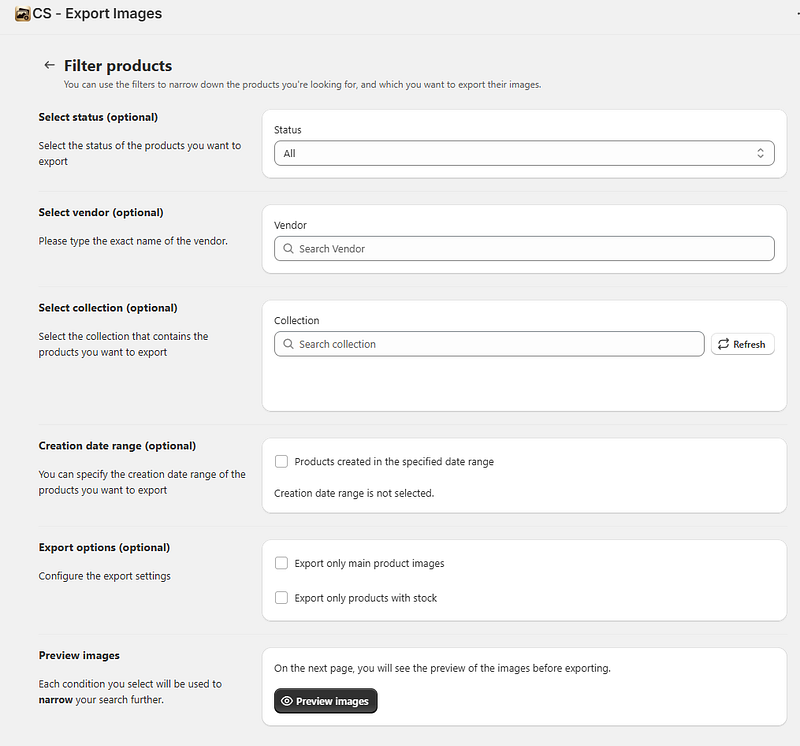
The app helps merchants export product and variant images in an organized format that can be reused for backups, marketplace uploads, store duplication, or external systems. By keeping filenames, folder structures, and associations intact, exports remain easy to understand and ready for reuse across teams and platforms.
As image catalogs grow, having a reliable export process ensures that visual assets stay accessible, portable, and protected beyond a single Shopify store.
Exporting Shopify images is not a niche workflow. It is a practical strategy used by merchants who think beyond a single storefront.
Whether the goal is backup, reuse, re-platforming, or collaboration, structured image exports give merchants flexibility and control over one of their most valuable assets.
As catalogs grow and sales channels multiply, the ability to export once and reuse everywhere becomes a competitive advantage rather than an operational detail.




