
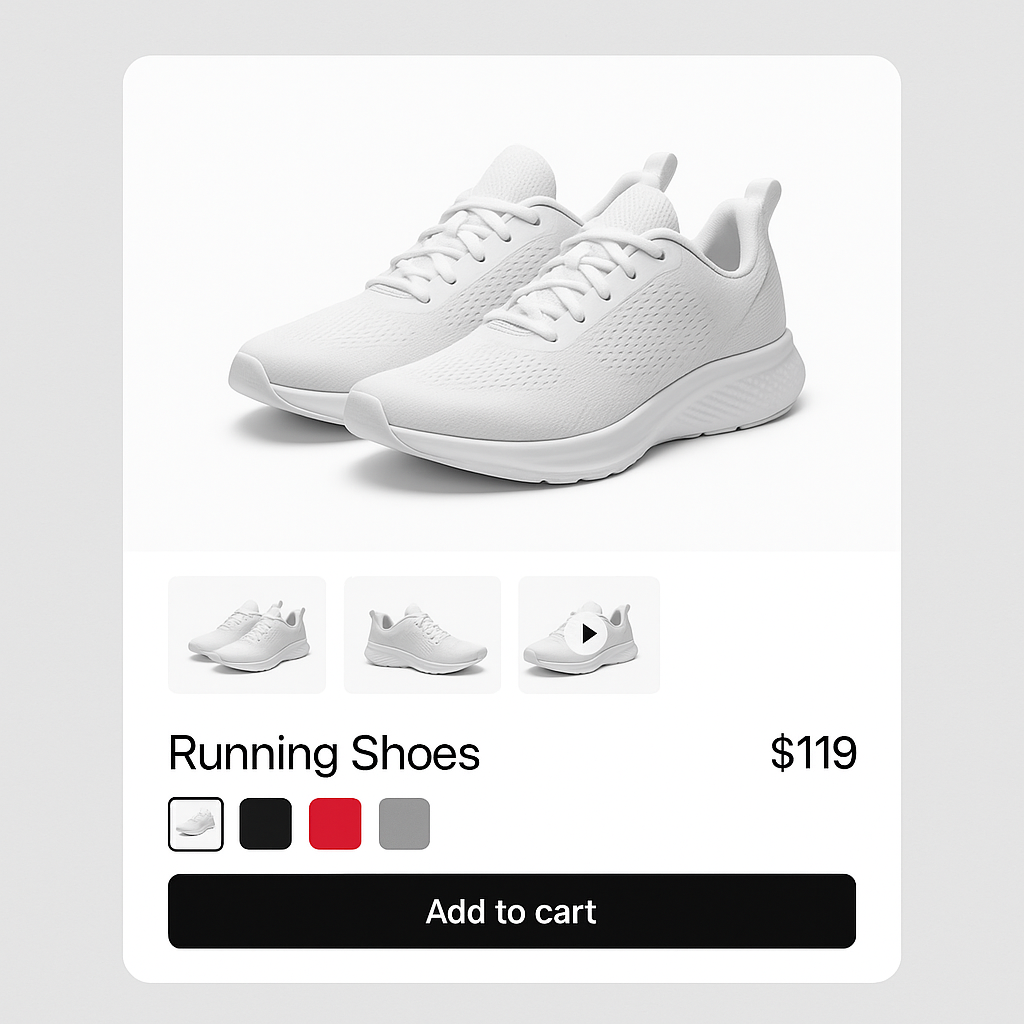
Product video increases conversion by up to 80% according to Shopify data. 3D product models can boost conversion by up to 250%. But there is a catch: Shopify lets you upload videos and 3D models to your product media gallery, but it does not let you assign them to specific variants.
If you sell a shoe in 5 colors and have a video for each color, all 5 videos show in the gallery at once. A customer who selected “Red” has to guess which video shows the red shoe. The same problem that exists with images, just with richer media.
Rubik Variant Images lets you assign videos and 3D models to specific variants alongside images. When a customer selects a color, they see only the matching images, videos, and 3D models.
In this post
- Why video per variant matters
- How it works in Rubik
- 3D models per variant
- Common media (shared across variants)
- Tips for variant-specific video
- Frequently asked questions
- Related reading
Why video per variant matters
Static images cannot show fabric drape, material texture, or how a color looks in motion. A 10-second video of a jacket being worn shows all three. But a generic product video that shows the black jacket does not help a customer who selected the green version.
Variant-specific video solves the two biggest conversion problems:
- Color accuracy: Video shows the true color under natural lighting conditions. This reduces the “looked different in person” returns that account for 22% of all online returns.
- Material preview: Is it shiny or matte? Stiff or flowing? Transparent or opaque? Photos hint at these. Video shows them clearly.
For products where returns are a problem (clothing, accessories, home textiles), adding one video per color variant is one of the highest-ROI investments you can make.
How it works in Rubik
In Rubik Variant Images, videos and 3D models are assigned to variants the same way images are:
- Upload videos and 3D models to your product in Shopify admin (they appear in the media gallery alongside images).
- Open the product in the Rubik app.
- Select a variant (e.g., “Red”).
- Select the red product images AND the red product video. Save.
- Repeat for other variants.
On the storefront, when a customer selects Red, they see: red image 1, red image 2, red image 3, red video. Select Blue: blue images and blue video. The filtering includes all media types.
3D models per variant
The same approach works for 3D models (.glb files). If your product has a 3D model for each color, assign each model to its variant. The customer gets an AR preview of the exact color they selected.
This is especially powerful for furniture and home decor. A customer can place a virtual navy blue armchair in their living room using AR, then switch to the green version and compare. Without variant-specific 3D assignment, they only see one color in AR regardless of what they selected.
Common media (shared across variants)
Not every video needs to be variant-specific. A “how to care for your leather bag” video applies to all colors. A brand story video is the same for every variant.
Mark these as common media in Rubik. Common media stays visible regardless of which variant is selected. Variant-specific media filters. Common media persists. You get the best of both.
Tips for variant-specific video
- Keep videos short. 10-15 seconds showing the product from different angles. Not a 3-minute brand film. The customer wants to see the color and material, not watch a commercial.
- Consistent filming setup. Same background, same lighting, same angles for each color. This looks professional and makes color comparison fair.
- Show movement. Fabric draping, material flexing, surface catching light. This is what photos cannot do.
- Use Shopify-hosted video. Upload directly to Shopify’s media library. External video links (YouTube, Vimeo) are not supported for variant assignment because they are not part of the product media object.
- Mind the 250 media limit. Videos count toward Shopify’s 250 media items per product. Budget accordingly: 5 images + 1 video per color x 20 colors = 120 items. Still under 250.
Watch It in Action
See how to set up variant-specific media in Rubik:
Frequently asked questions
Can I assign videos to specific Shopify variants?
Not natively. Shopify lets you upload videos to the product media gallery but does not support per-variant video assignment. Rubik Variant Images adds this capability. Assign videos alongside images to each variant, and the gallery filters all media types when a customer selects a color.
Does video per variant work with 3D models too?
Yes. Assign .glb 3D model files to variants the same way you assign images and videos. The customer sees the correct 3D model for their selected color, including AR preview on supported devices.
Do videos count toward the 250 media limit?
Yes. Shopify’s 250 media limit includes images, videos, and 3D models combined. Budget accordingly: 5 images + 1 video per color x 20 colors = 120 items, well under the limit.




