How website speed impacts conversion rates on Shopify

Every second of load time costs you sales. That statement gets thrown around constantly in e-commerce, and it is broadly true. But the relationship between speed and conversion is not linear. Going from 8 seconds to 4 seconds makes a massive difference. Going from 2.5 seconds to 2.0 seconds? Barely measurable. The impact depends on where you are starting from.
This guide teaches you how speed affects your Shopify conversion rates, what metrics to care about, where the real gains are, and why you’re probably wasting your time somewhere else.
In this post
- The real relationship between speed and conversions
- Core Web Vitals explained for Shopify
- Mobile speed matters more
- Where the biggest speed wins are
- How apps affect speed
- What not to waste time optimizing
- FAQ
The real relationship between speed and conversions
Everyone is familiar with the commonly quoted stat that there is “a 1-second delay in page load reduces conversions by 7%.” Unfortunately, this stat is based on some old studies that had very specific methodologies and do not translate universally to today’s web environment. What does the data really say?
- Above 5 seconds: Severe impact. Bounce rates skyrocket. Most mobile users leave before the page finishes loading. This is where speed optimization produces dramatic conversion gains.
- 3 to 5 seconds: Noticeable impact. Customers stay but feel friction. Cart abandonment is higher. Fixing speed in this range produces measurable conversion improvements.
- 2 to 3 seconds: Acceptable for most e-commerce. Diminishing returns on further optimization. Customers do not consciously notice the speed.
- Under 2 seconds: Fast. Additional speed gains produce almost no measurable conversion difference. Time spent optimizing from 1.8s to 1.5s is almost certainly better spent improving product photos or checkout flow.
The takeaway: if your Shopify store takes more than 4 seconds to load on mobile, speed will be costing you conversions. But if it loads in under 3 seconds (let’s be real, most shops do just fine around 2 seconds or so), it’s very likely that there’s some other factor on your product page that is limiting your store’s conversions.
Core Web Vitals explained for Shopify
Google uses 3 Core Web Vitals to measure page experience which are ranking signals and also correlate to conversion rates.
| Metric | What it measures | Good threshold | Shopify context |
|---|---|---|---|
| LCP (Largest Contentful Paint) | Time until the largest visible element loads | Under 2.5s | Usually the product image or hero banner |
| INP (Interaction to Next Paint) | Responsiveness to user input | Under 200ms | How fast the page responds when clicking swatches or add-to-cart |
| CLS (Cumulative Layout Shift) | Visual stability during loading | Under 0.1 | Elements jumping around as images and fonts load |
For Shopify stores LCP is usually the biggest focus point as the hero image on product pages is typically the largest element. This means the largest image on the page often becomes the biggest bottleneck to improving LCP. This could be due to low-quality performance from your chosen CDN, oversized image files, or failure to implement lazy loading.
CLS issues on Shopify are often caused by swatch pickers or app-injected elements that load after the initial render and push content down. Apps that inject content asynchronously (after page load) are the biggest CLS culprits.
Mobile speed matters more
70% of Shopify traffic is on mobile. Mobile is performed on slower connections (4G, or even 3G at times), it’s processed by less powerful CPUs, and there’s less space above the fold to show content to customers who are waiting to see your buy button sooner.
A Shopify store that loads in 2 seconds on desktop fiber can take 5 seconds to load on a mid-range Android phone on 4G, a duration which can be where you lose customers. Also, don’t just test speed on the desktop version of your store, test it on mobile too.
Google’s PageSpeed Insights now tests your website on mobile by default. Don’t worry so much about your Desktop Lighthouse score. Your users aren’t loading up your website on desktop anymore, and that’s exactly where speed problems live.
Where the biggest speed wins are
- Image optimization. The single biggest factor for most Shopify stores. Upload at 2048px (not 4000px), use Shopify’s built-in WebP conversion, and make sure your theme loads appropriately sized images per context (not 2048px thumbnails on the collection page). See our image quality guide for the balance between quality and speed.
- Reduce app count. Every installed app can add JavaScript and CSS to your pages. Some apps add 200KB+ of JavaScript that runs on every page, even pages where the app is not needed. Audit your apps and remove ones you are not actively using.
- Theme choice. Lightweight themes (Dawn, Horizon) outperform feature-heavy themes. If your theme has 15 homepage sections with parallax effects and video backgrounds, it will be slow regardless of what else you optimize.
- Font loading. Custom fonts (especially multiple weights) add to load time. Use system fonts or limit custom fonts to 2 weights (regular + bold). Preload your primary font file.
- Third-party scripts. Chat widgets, analytics, social media pixels, and retargeting scripts all add load time. Defer non-critical scripts and load them after the page is interactive.
How apps affect speed
Not all apps affect speed equally. The impact depends on how the app is built:
- Metafield-based apps (like Rubik Variant Images and Rubik Combined Listings) store data in Shopify metafields. No external API calls on page load. The data is already in Shopify’s response. Minimal speed impact.
- API-dependent apps make requests to external servers on every page load. Each request adds latency. If the external server is slow or down, the page waits.
- Heavy JavaScript apps load large script bundles that the browser must download, parse, and execute. This blocks rendering and delays interactivity (hurts INP).
When evaluating apps for speed impact, check whether they use metafields (fast) or external APIs (slower). This is one of the reasons we built both Rubik apps with metafield-based architecture: the variant and swatch data loads as part of the normal Shopify page render, not as a separate network request.
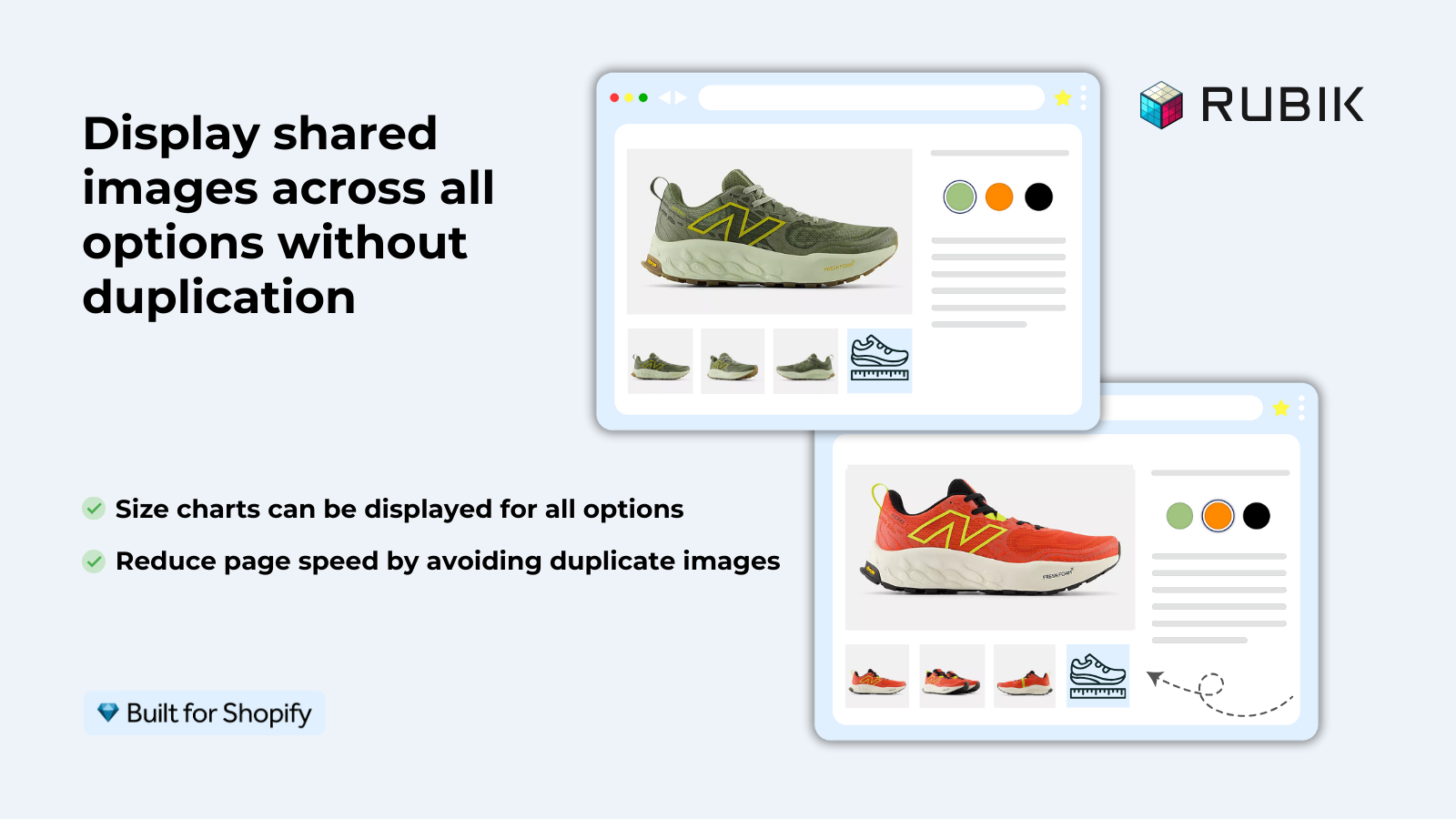
If your colours live as separate products rather than variants of one product, Rubik Combined Listings groups them into a single listing with swatches instead. Free to install, 5.0 stars across 78 reviews.
What not to waste time optimizing
- Lighthouse score obsession. A Lighthouse score of 60 vs 80 does not correlate with conversion rate. What matters is real-user experience. A store with Lighthouse 55 and a great product page UX will outconvert a store with Lighthouse 95 and terrible product photos.
- Render-blocking CSS for above-the-fold. The theoretical performance gain from inlining critical CSS is real but tiny for Shopify. Shopify’s CDN is fast enough that the CSS file loads in milliseconds anyway.
- Removing all apps. Some stores strip out every app chasing a perfect Lighthouse score and lose functionality that actually drives conversions (reviews, swatches, upsells). A 200ms slower page with color swatches converts better than a 200ms faster page with dropdowns.
The goal is not the fastest possible page. The goal is a fast enough page with the best possible product experience. Speed and UX are both conversion factors. Do not sacrifice one for the other.
If you are looking for apps that add real UX value without a speed penalty, both Rubik Variant Images (product page swatches and image filtering) and Rubik Combined Listings (collection page swatches for grouped products) use metafield-based loading. No external API calls, no heavy JavaScript bundles, no CLS shifts.
“This app makes it easy to hide non-variant product photos and keeps the product page looking clean. It also helps to show clean custom swatches. Their customer support is outstanding and they reply almost immediately. They were able to fix a bug for me with minimal weight time.”
Anonymous merchant, 2026-02-18, Rubik Variant Images on the Shopify App Store
Frequently asked questions
Does page speed directly affect Shopify conversion rates?
While some gains can be had loading faster than 4 seconds, these gains tend to have diminishing returns as the threshold for “fast enough” varies significantly based on the overall experience of the site and the expectations of the user. Most stores will find little to no loss in conversion between 2-3 seconds. For sites that are currently loading slower than 2 seconds, focusing on achieving “fix” speed (2 seconds or less) will be a more valuable investment than striving for additional incremental gains as speed improves beyond this threshold.
What is a good Lighthouse score for a Shopify store?
60 to 80 on mobile is what I’d expect for a Shopify store with some apps and customization. Above 80 is great, and above 90 is rare for most sites with meaningful customizations. While this score is useful, do not over optimize for it. Look at real user data for LCP under 2.5s, and INP under 200ms instead.
Do Shopify apps slow down my store?
Some do, some don’t. Metafield-based apps like Rubik Variant Images will have the least impact because they don’t make any external API calls. Apps that load large JavaScript code bundles and make API calls on every page load will have the biggest impact. Test with each app active and closed to see how much they add to the load time.
What is the single biggest thing I can do to speed up my Shopify store?
Optimize other files. It’s a process (optimization), but there are tools that can automatically reduce the filesize of your product videos by half (or even more) with little visible change to their quality. Using Shopify’s built-in canvas (for sprites), caching, and minification can greatly improve site loading times. Researching alternative CSS tools (e.g. SASS) could also take seconds to save on every load. Even banner graphics can often be 50% smaller while appearing exactly the same, thanks to judicious use of compression and fine-grained variations.
Should I remove apps to improve speed?
Only remove apps that are not necessary. Don’t remove reviews, swatches, or upsells just to try to make your site load faster. Pages that are a little bit slower but have a better product experience will convert better than a fast page that has a terrible experience.
Related reading

Umid
Co-Founder at Craftshift