Shopify combined listings for footwear and shoe stores
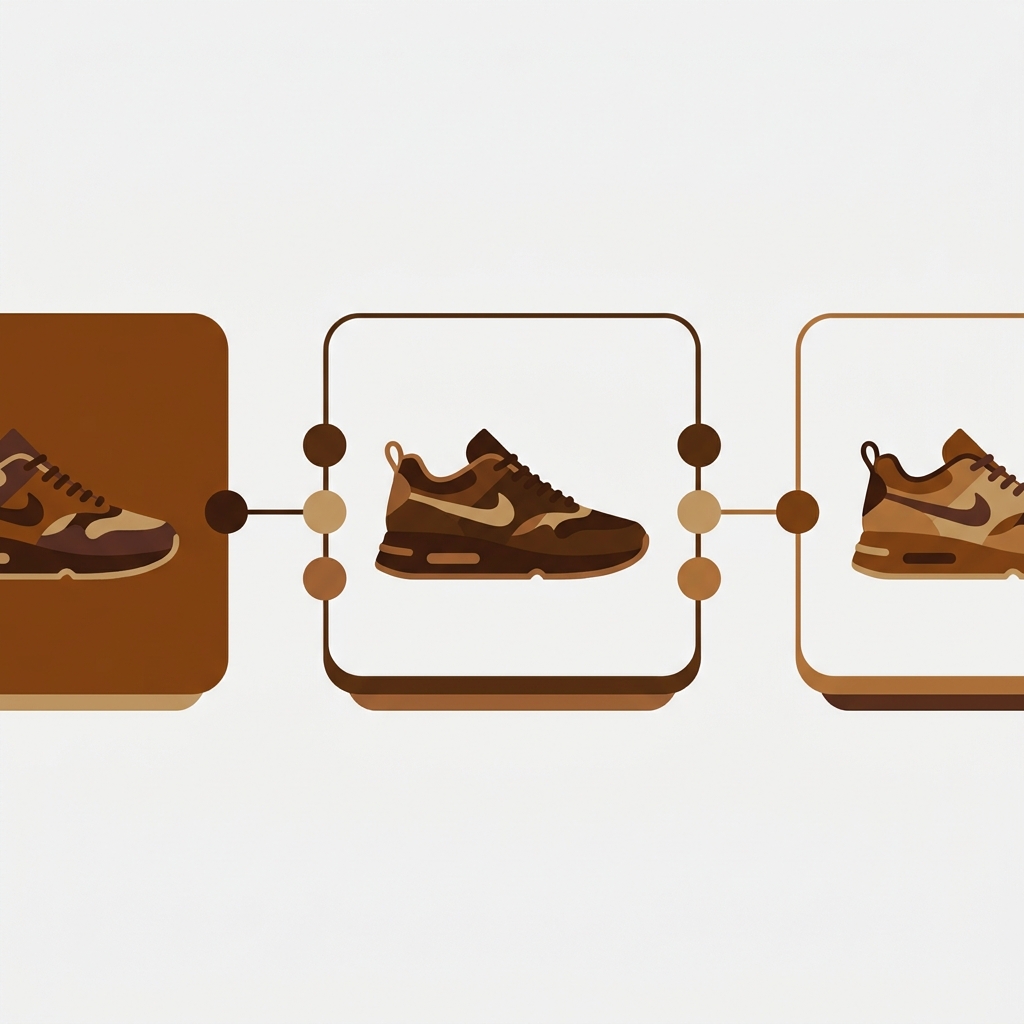
Combined listings for footwear solve a math problem that almost no other category hits as fast: a single running shoe in 9 colorways, 12 sizes, and 2 widths is 216 variants before you add anything else. Shopify caps a standard product at 100 variants. So a shoe catalog is structurally broken before the first photo goes up. The fix that actually works for shoe stores is to keep each colorway as its own product (for SEO and inventory) and then link them so the storefront shows them as one connected listing with colorway swatches. That is what combined listings do.
This is a footwear-specific guide, not a generic explainer. Shoes carry a brutal combination of colorway, size, and width, and most shoe brands already split colorways into separate products without realizing they have boxed themselves into a worse browsing experience. The product pages don’t show the other colors. The collection page stacks the same silhouette eight times in a row. And when a color sells out, it just sits there frustrating shoppers.
So which structure is right for a shoe store? Separate products per colorway, grouped on top. Not native variants. Not one giant product page with three dropdowns. I’ll walk through why, where the variant cap bites, how the grouping works on both collection and product pages, and how out-of-stock colorways hide themselves automatically.
In this post
- Why footwear hits the variant limit so fast
- Separate product per colorway is the SEO-friendly structure
- How combined listings link the colorways back together
- Sizes and widths inside combined listings for footwear
- Out-of-stock colorways hide themselves
- Per-shoe product page images
- Setting it up for a shoe catalog
- Frequently asked questions
- Related reading
Why footwear hits the variant limit so fast
Footwear is the worst category for Shopify’s variant cap. Why? Because shoes multiply on three axes at once: colorway, size, and width. Most apparel stops at color and size. Shoes don’t.
Picture a running-shoe store with one flagship trainer. Run the math:
- 9 colorways (core black, white, two seasonal drops, plus 5 ongoing colors)
- 12 sizes (US 7 through 13 with half sizes)
- 2 widths (standard and wide)
That is 9 x 12 x 2 = 216 variants for a single shoe. Shopify’s standard limit is 100 variants per product. The product is broken at the design stage. Even on Shopify Plus, where the native combined listings feature raises the ceiling to 2,048 variants per product, a page with 216 size and color combinations buried in three dropdowns is a UX failure. Nobody buys a $140 trainer by reading a dropdown.
And here’s the part most guides get backwards: the variant cap is the smaller problem. The bigger one is that color and size behave completely differently for a shopper. Color is a browsing decision (which one looks good?). Size is a checkout decision (which one fits?). Cramming them into one flat variant matrix treats them as the same thing. They aren’t. That mismatch is the real reason shoe product pages convert poorly when you force everything into native variants.
Separate product per colorway is the SEO-friendly structure
The right structure for a shoe store is one product per colorway. Each color of the trainer becomes its own Shopify product: its own URL, its own title, its own image gallery, its own metafields. The “Velocity Trainer” becomes “Velocity Trainer, Core Black,” “Velocity Trainer, Arctic White,” and so on. Most shoe brands already do this, and they’re right to.
Why is this better for SEO? Because each colorway can rank on its own. Someone searching “white minimalist running shoe” lands on the Arctic White product page, with white-specific photos, a white-specific title, and white-specific alt text. If all 9 colors lived inside one product, Google would only ever index one master URL with one set of metadata. You’d be leaving long-tail color searches on the table. We’ve covered the full reasoning in the separate products vs variants SEO decision guide, and the short version is: when color carries search weight, separate products win.
Inventory is the second reason. Shoe colorways often live in different warehouses, sell through at different rates, and get discontinued independently. Tracking each color as its own SKU lineage is cleaner than juggling 200 variant-level inventory rows inside one bloated product. Operations teams hate the flat-variant version. They love the separate-product version.
But separate products create a new mess. The collection page now shows the Velocity Trainer 9 times, once per color, same silhouette over and over. A shopper scanning the page thinks the catalog is thin and scrolls past. And on any single colorway’s product page, there’s no sign that 8 other colors even exist. The shopper found “Core Black” and has no idea you also make it in olive. That’s lost revenue, hiding in plain sight.
How combined listings link the colorways back together
Combined listings keep your separate colorway products but show them to shoppers as one connected listing. You link the 9 Velocity Trainer products into a single group. On the collection page, they collapse into one product card with colorway swatches under the title. Click a swatch, the card image swaps to that color. Click through, you land on that exact colorway’s product page, with its own photos and SEO metadata intact. On the product page itself, the same swatches appear, and clicking one switches you to the matching product.
From the shopper’s side, it looks like one shoe with 9 color options. From Shopify’s side, it’s still 9 separate products, each with its own URL and gallery. That’s the whole trick. You get the SEO and inventory benefits of separate products and the browsing experience of native variants, at the same time.

We built Rubik Combined Listings for exactly this. It does not require Shopify Plus, which matters because most independent shoe brands run on Basic or Grow and can’t justify the Plus jump for one catalog feature. It groups products through Shopify metaobjects and renders the swatches with Shadow DOM, so the styling stays isolated from your theme and works across 420+ themes and 7 page builders (Beae, EComposer, Foxify, GemPages, Instant, PageFly, and Replo). The same separate-products-as-variants pattern works for clothing too, which we cover in the combined listings for apparel guide on rubikify.com.
If you want a deeper read on the underlying technique, see how to link separate color products on Shopify and the broader piece on grouping products as variants. Both apply directly to a footwear catalog.
Sizes and widths inside combined listings for footwear
Here’s the model that keeps a shoe catalog sane: colorway is the group, size and width stay as native variants inside each colorway product. So “Velocity Trainer, Core Black” is one product with 12 sizes x 2 widths = 24 native variants. Well under the 100 cap. Then all 9 colorway products link into one combined listing.
Why split it that way and not, say, group by size? Because color is the browsing decision and size is the fit decision. Shoppers pick a color first, looking at photos, then choose a size on the product page once they’ve committed to the look. Matching your structure to how people actually shop is the whole point. The swatches handle color (the visual choice), the native variant selector handles size and width (the practical choice). Each does the job it’s good at.
| Attribute | How to model it | Why |
|---|---|---|
| Colorway | Separate product, linked via combined listing | Own URL, title, photos, SEO weight; visual browsing |
| Size | Native variant inside each colorway product | Fit decision made after color is chosen |
| Width | Native variant inside each colorway product | Pairs with size, low option count |
| Limited drop / collab | Separate product, optionally its own group | Distinct inventory and marketing lifecycle |
This keeps every individual product well under 100 variants, which sidesteps the cap entirely without touching Shopify Plus or the native 2,048 variant feature. For more on when to reach for grouping versus native variants, see when to use combined listings.
Out-of-stock colorways hide themselves
Sold-out colors are a constant headache in footwear, because shoes sell through by size curve and color at wildly different speeds. A swatch that leads to a dead “out of stock” page is worse than no swatch at all. It’s a tease. The shopper clicks the olive swatch, gets a sold-out product, and leaves annoyed.
Rubik Combined Listings handles this through real-time sync. Group membership is stored as Shopify metaobject references, so when a colorway product goes fully out of stock, gets archived, or is set to draft, its swatch disappears from the group automatically. No background job, no nightly sync, no stale swatch pointing at a dead product. The shopper only ever sees colorways they can actually buy.
This is one of the most common reasons shoe stores switch to us from a manual or static linking setup. With a hardcoded list of related products, you have to remember to pull the link every time a color sells out, which never happens reliably. Tying group membership to live product status means the swatch row matches your real, sellable catalog at all times. That’s the part merchants tell us they didn’t know they needed until they had it.
“Was having difficulties with 5 other apps before I found this one that worked perfectly on the first try. Great for grouping products together, very easy to use. Thank you developers, and thank you Zulf for your assistance.”
BELSKI, March 2026, Rubik Combined Listings on the Shopify App Store
Per-shoe product page images
Combined listings handle the collection page and the colorway-to-colorway navigation. They do not filter the photo gallery inside a single product page by selected size. For shoe stores that’s fine, because each colorway is already its own product with its own clean gallery, so the Core Black page only ever shows Core Black photos.
But if you run a hybrid setup, say one product holds two closely related colorways as native variants, you’ll want the gallery to filter when the variant changes. That’s a different job, and it has its own tool: Rubik Variant Images for products with multiple options. It shows only the selected variant’s media on the product page, so picking a color (or size, if your photos differ by size) hides the rest. Combined Listings links separate products; Variant Images filters images inside one product. Some shoe stores use both.
If your colours are variants of one product rather than separate products, Rubik Variant Images assigns a separate image set to every variant instead. Free to install, 5.0 stars across 436 reviews.
Setting it up for a shoe catalog
If your colorways are already separate products, bulk grouping is the fast path. Rubik Combined Listings detects and creates many groups in one pass, with three methods:
- Title pattern. If products are named “Velocity Trainer, Core Black” and “Velocity Trainer, Arctic White,” the detector splits on the comma (or dash, slash, pipe) and groups everything sharing the “Velocity Trainer” prefix.
- Product tags. Tag products with the structured
RUBIK::group::option::value::colorformat and the tag detector parses it into groups. Useful if your titles aren’t consistent. - Metafield grouping. Point at a shared metafield (like a style code or parent ID) and groups form by matching values. The most flexible option for a messy catalog.
For a smaller line, manual grouping is quick: pick the colorway products in the resource picker, save the group, then drop in swatch hex codes or upload swatch image thumbnails for textured uppers. AI Magic Fill can auto-extract each colorway’s option value and detect its swatch color from the product photo, which saves real time on a catalog with dozens of shoes and consistent naming. It only fills empty fields, so it never overwrites a color you’ve already set by hand.
Pricing is flat, not tied to your Shopify plan. The cap is on group count, not on how many colorways live inside a group, so one shoe with 12 colorways still counts as a single group.
| Plan | Price | Product groups | Good fit for |
|---|---|---|---|
| Free | $0 | 5 | Trying it on one hero shoe |
| Starter | $10/mo | 100 | Boutique footwear with one or two lines |
| Advanced | $30/mo | 500 | Mid-market shoe brand, multiple models |
| Premium | $50/mo | 5,000 | Full footwear catalog, many models and drops |
Annual billing takes 17% off. For a shoe brand with 40 to 80 models, each grouping 6 to 12 colorways, Starter or Advanced covers it comfortably.
Want to see it first? Check the live combined listings demo store, watch the tutorial video, or read the getting started guide.
Frequently asked questions
Do I need Shopify Plus for combined listings on a shoe store?
No. Native Shopify combined listings (the 2,048 variant feature) require Plus, but Rubik Combined Listings runs on every Shopify plan and groups separate colorway products without using that native feature. So Basic, Grow, Advanced, and Plus stores can all run it the same way.
Should each shoe colorway be its own product or a variant?
Make each colorway its own product. Color carries SEO weight (people search by color), needs its own photos, and often tracks inventory separately. Keep size and width as native variants inside each colorway product, then link the colorways with combined listings so they browse like one shoe.
How do sizes work with combined listings for footwear?
Sizes stay as native Shopify variants inside each colorway product. A single colorway with 12 sizes and 2 widths is 24 variants, well under the 100 cap. Combined listings only group the colorway products together; the native variant selector still handles size and width on the product page.
What happens to a swatch when a colorway sells out?
It disappears automatically. Group membership uses Shopify metaobject references with real-time sync, so a colorway that goes fully out of stock, archived, or draft drops out of the swatch row on its own. Shoppers only see colors they can actually buy, with no stale links to dead pages.
Will combined listings slow down a footwear site?
No measurable hit on tested catalogs. Rubik Combined Listings is metafield-based with no external API calls, so group and swatch data ship with the page itself. Collection cards render their colorway swatches in the same paint cycle as the rest of the storefront.
Can I bulk-group an existing 300-product shoe catalog?
Yes. Bulk grouping supports three detection methods: title pattern (auto-detects shared prefixes like a model name), product tags (parses a structured tag format), and metafield grouping (groups by a shared style code or parent ID). Title pattern handles most shoe catalogs that already use a “Model Name, Color” naming convention.
Do I also need a variant image app for my shoe store?
Usually not, if each colorway is a separate product, because every product already has its own clean gallery. You’d add Rubik Variant Images only for hybrid products that hold multiple colorways as native variants and need the gallery to filter when the variant changes.
Related reading
- Combined listings for Shopify furniture stores
- When to use combined listings on Shopify
- How to link separate color products on Shopify
- How to group products as variants on Shopify
- Separate products vs variants: the SEO decision guide
- Combined listings for apparel (rubikify.com)
- Variant images for products with multiple options (rubikvariantimages.com)
Start with your best-selling shoe. Link its colorways into one group, watch the collection page collapse 9 cards into one, and see whether the other colors start getting clicks they never got before.

Umid
Co-Founder at Craftshift