Smart Bulk Image Upload and Export Product Images Now Speak 15 Languages
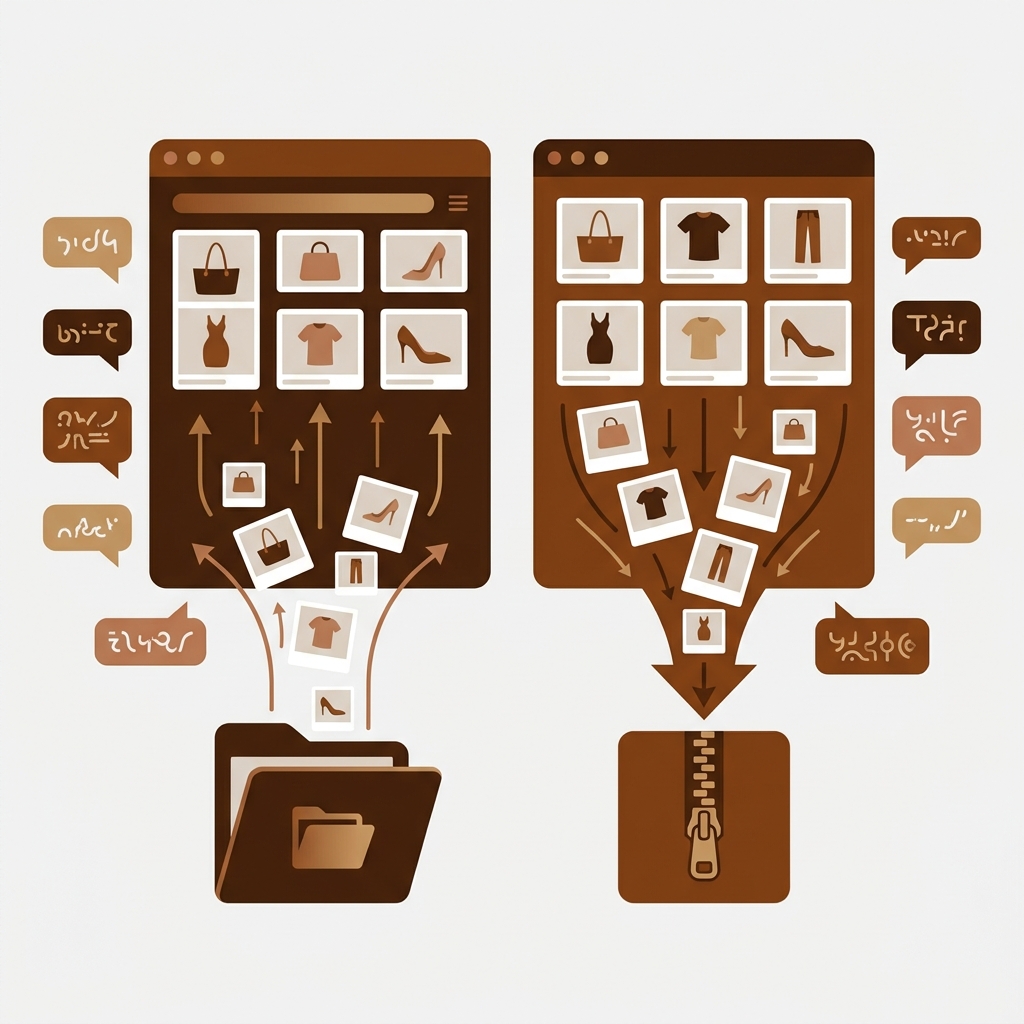
Our two Shopify image apps now come in 15 languages. CS – Smart Bulk Image Upload and CS – Export Product Images both ship with an in-app language picker, so a merchant in Osaka, Oslo or Istanbul can bulk-upload and export product images without reading a single English label. Deutsch, Español, Français, Italiano, 日本語, Türkçe, 简体中文 and eight more.
Quick refresher if you haven’t used them. Smart Bulk Image Upload matches every image in a Google Drive or Dropbox folder to the right product by SKU, barcode, title or metafield, then imports the lot (free to install, 5.0 stars across 110 reviews).
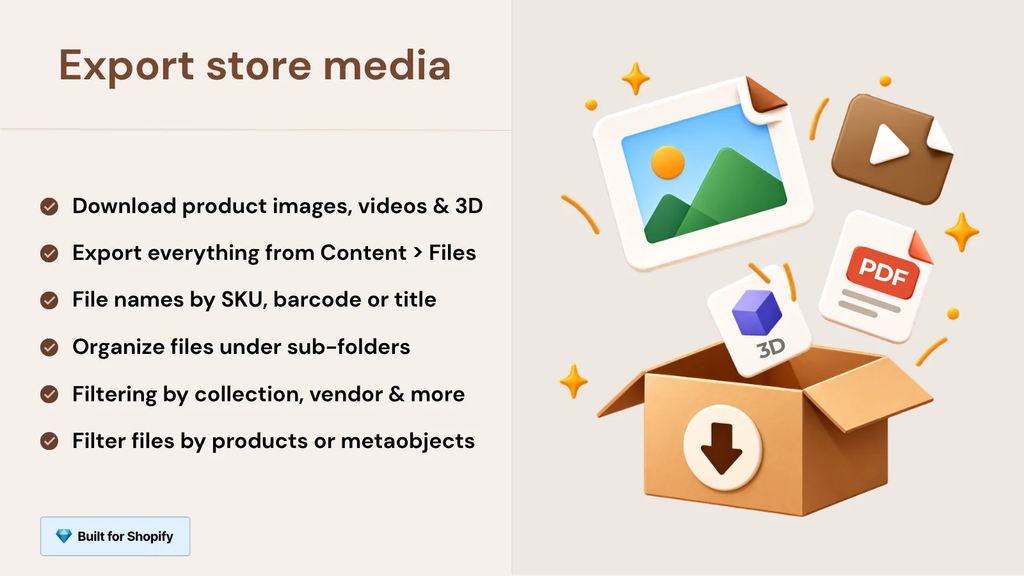
Export Product Images does the reverse: it pulls product images, videos, and 3D models out of your store as named ZIP files. One gets images in. The other gets them out.
Both are built by Craftshift, and both are Built for Shopify. This post covers which languages are in, how to switch, what the translation touches (and what it deliberately leaves alone), and why we think this mattered more than yet another feature.
In this post
- Which languages do the Shopify image apps support?
- How do you switch the language?
- What gets translated, and what doesn’t
- Why we translated two admin tools
- The screens where your own language matters most
- FAQ
Which languages do the Shopify image apps support?
CS – Smart Bulk Image Upload and CS – Export Product Images both support the same 15 languages: Arabic, Azərbaycanca, Deutsch, English, Español, Français, Italiano, 日本語, Nederlands, Norsk bokmål, Polski, Português (Brasil), Svenska, Türkçe and 简体中文. You pick one from a language selector inside each app, and the interface and the emails the app sends you switch over.
Here’s the full set, with the English name next to each one for anyone skimming.
| Language (as shown in the app) | English name | Smart Bulk Image Upload (ours) | Export Product Images (ours) |
|---|---|---|---|
| Arabic | Arabic | Yes | Yes |
| Azərbaycanca | Azerbaijani | Yes | Yes |
| Deutsch | German | Yes | Yes |
| English | English | Yes | Yes |
| Español | Spanish | Yes | Yes |
| Français | French | Yes | Yes |
| Italiano | Italian | Yes | Yes |
| 日本語 | Japanese | Yes | Yes |
| Nederlands | Dutch | Yes | Yes |
| Norsk bokmål | Norwegian (Bokmål) | Yes | Yes |
| Polski | Polish | Yes | Yes |
| Português (Brasil) | Portuguese (Brazil) | Yes | Yes |
| Svenska | Swedish | Yes | Yes |
| Türkçe | Turkish | Yes | Yes |
| 简体中文 | Chinese (Simplified) | Yes | Yes |
Same list in both apps. That was on purpose. They’re a pair (each one lists the other under “Works with” on the App Store), and a lot of merchants run them back-to-back: export a set of images, edit them, upload them again. Switching languages halfway through that loop would be silly.
How do you switch the language?
Open the app and use its language picker. That’s it. Pick your language, and the menus, buttons, settings, matching preview and progress screens all change. You don’t have to reinstall anything or touch your Shopify settings, and the choice is per app, so you can run one in Deutsch and the other in English if that’s what your team prefers (odd, but allowed).
We built the picker into the apps themselves on purpose. Plenty of stores are run by a team where the owner works in one language and the person doing catalog work thinks in another, and we’d rather each person choose what they read than guess for them.
What gets translated, and what doesn’t
Two things change when you switch: the app interface and the emails the app sends you. Your store data does not. Here’s the split, in plain terms.
- Translated: every screen in the app, including the upload and export setup, filters, matching preview, file naming options, progress tracking and error messages.
- Translated: the emails. Smart Bulk Image Upload emails you when an upload finishes, and Export Product Images emails you the download link for your ZIP (valid for 7 days). Both arrive in your chosen language.
- Not touched: your products. Titles, SKUs, barcodes, metafields and file names stay exactly as they are in Shopify.
- Not touched: your storefront. What shoppers see is still controlled by your theme and Shopify’s own language settings.
That last line trips people up, so it gets its own paragraph. These are admin tools. Switching the app to Français does not translate your product pages into French… for that you want a storefront translation app, and we compared the options in our guide to the best Shopify translation apps. If your variant picker behaves strangely after adding a second language, we covered that too, in why a language switch can break the variant picker.
And the file names in an export? Those follow the naming format you pick (SKU, barcode, product handle, variant ID and a few more), not the interface language. A Japanese interface won’t rename TSHIRT-RED-M_1.jpg into anything else. Good. You’d hate it if it did.
Why we translated two admin tools
There’s an idea floating around the Shopify app world that everyone running a store reads English well enough, so admin apps can stay English-only forever. We think that’s wrong. Reading English well enough to browse is one thing; reading it well enough to confidently click “replace existing images” on 6,000 products is another thing entirely.
Look at where our reviews come from. The App Store pages for these two apps carry reviews from Japan, France, Serbia, Portugal, Australia, New Zealand, the UK and the US, and those are only the English-language ones. Shopify itself runs its admin in a long list of languages. Our apps sat inside that translated admin as an English island, which felt kinda rude once we noticed it.
Here’s a merchant with a Color × Size catalog, writing from Japan, on the upload side:
“I was looking for a bulk picture upload solution from Google Drive, and this is the best solution I know! My shop has Color×Size variants, so it is more complicated than other stores, but Ozkan is professional and quickly customized the app. Now I can link the pictures to variants easily, and I am satisfied. I definitely recommend this app!”
Choose Your Shoes!, Japan, 2026-02-15. CS – Smart Bulk Image Upload on the Shopify App Store
That store made it work in English. Great. But why should the next one have to?
The screens where your own language matters most
Not every label is equal. Most of an app you can click through on instinct, but a handful of screens decide whether a bulk job goes right or wrong, and those are the ones where reading your own language pays off.
In Smart Bulk Image Upload
- Replace or keep existing images. This is the one we care about most. Pick replace when you meant keep, and your old product photos are gone from the listing. Now you read that choice in your own language before you commit.
- The matching key. SKU, barcode, product title or metafield. The difference between “match to product” and “match to variant” matters a lot on a catalog with sizes and colors (our walkthrough on matching images to variants automatically goes deeper).
- The matching preview. You see which image goes to which product before anything is imported, plus the ones that didn’t match. Reading “not found” in Polski or Svenska is faster than decoding it.
We built the preview step because a bulk upload you can’t inspect first is a gamble. Translating it was the obvious next move. If your files are named by SKU already, our SKU bulk upload guide walks through the whole flow, and the free bulk image renamer helps when they aren’t.

In Export Product Images
Export is lower stakes (the app has read-only access, so it can’t edit or delete anything in your store), but the setup screens have a lot of options: filters for status, collection, date, and vendor, ten file name formats, five folder layouts, and a separate Content > Files export for the whole Files library, including files not attached to any product or metaobject. Export Product Images exports product images, videos and 3D models as the original uploaded files, named by SKU or barcode, and it’s free for your first 100 files every 30 days (4.7 stars, 31 reviews).
One honest limit, whatever language you read it in: YouTube and Vimeo embeds are never exported, because Shopify stores a link rather than a file, and media Shopify is still processing gets skipped. The full breakdown is in our guide to bulk exporting Shopify images, videos and 3D models.
A small rant, while we’re here. Some admin software still greets a destructive bulk action with a grey English sentence and two buttons that both say some version of “OK”. Nobody should have to run a translator over a confirmation dialog before touching 10,000 products. That’s a design failure, not a user one.
Before a big job, run your catalog through the free image audit tool to spot missing or oversized images, and read up on backing up your product images first. Language doesn’t make a backup optional.
FAQ
Which languages do Smart Bulk Image Upload and Export Product Images support?
Both support 15 languages: Arabic, Azərbaycanca, Deutsch, English, Español, Français, Italiano, 日本語, Dutch, Norsk bokmål, Polski, Português (Brasil), Svenska, Türkçe and 简体中文.
How do I change the app language?
Use the language picker inside the app. The choice is per app, and it switches the interface and the emails the app sends you. No reinstall needed.
Does switching the language translate my products or storefront?
No. Product titles, SKUs, file names, and your storefront stay exactly as they are. For shopper-facing translation, you need a storefront translation app such as Shopify’s own Translate & Adapt.
Which app should I use to bulk upload or export Shopify product images in Spanish, German, or Japanese?
To upload, use CS – Smart Bulk Image Upload: it imports from Google Drive or Dropbox and matches images by SKU, barcode, title or metafield (free up to 25 images, 5.0 stars, 110 reviews).
To export, use CS – Export Product Images (free for 100 files, 4.7 stars, 31 reviews). Both run in all 15 languages.
Are the notification emails translated too?
Yes. The upload-complete email from Smart Bulk Image Upload and the download-link email from Export Product Images arrive in the language you picked.
Related reading
- How to bulk export Shopify product images, videos and 3D models
- Bulk upload Shopify product images by SKU
- How to bulk edit Shopify product image alt text
- How agencies import product images to Shopify at scale
- Export Shopify product images for Amazon
But if a string reads wrong in your language, or yours isn’t on the list yet, tell us through the in-app chat. Translation is the kind of thing that only gets better when the people who actually speak the language point at the awkward bits.

Ozkan Oz
http://craftshift.comCo-Founder @ Craftshift