Shopify Combined Listings on Instant Page Builder: The Practical 2026 Guide
Shopify combined listings on Instant Page Builder is one of those setups where two recently-popular apps solve different halves of the same problem. Instant builds the custom product page layout (Figma-quality, no code, native Liquid output). Rubik Combined Listings handles the variant-grouping logic across separate products with swatches on collection cards and product pages. Together they enable the kind of PDP that previously needed a custom theme dev team plus Shopify Plus. This guide walks through how the two apps fit together, why the pairing matters now, and the exact setup flow for a non-Plus store.
Quick context before we dive in. Instant AI Page Builder is a Built for Shopify page builder from Instant Commerce B.V. (Amsterdam, Netherlands), launched August 2023, currently sitting at 5.0 stars across 297 reviews. Brands like Aeropress, Casper, Logitech, Lull, Ekster, Bols, and Alohas use it on their Shopify storefronts. It’s positioned as an alternative to Shogun, PageFly, and GemPages, with a Figma plugin used by over 16,000 designers as the standout differentiator. Rubik Combined Listings is what we ship for the variant-grouping layer. Both apps publish to Online Store 2.0 themes via theme sections and app embeds, which is what makes the integration clean.
In this guide
- Why custom PDPs matter for combined listings
- Why Instant is the page builder on the rise
- What Rubik Combined Listings does (and why Instant doesn’t replace it)
- How the two apps fit together
- Setup walkthrough
- The Figma to Shopify workflow
- Real use cases by vertical
- A/B testing your swatch group strategy
- Common mistakes to avoid
- FAQ
Why custom PDPs matter for combined listings
Most Shopify themes ship with a single product template. One layout for every SKU. That’s fine for a 30-product catalog with simple variants. It breaks the moment you have a flagship product line that splits into 8 colorways across 3 sizes, where each color is its own product (separate URL, separate inventory, separate photoshoot, separate SEO targeting). The native template gives you a vertical stack: hero image, title, price, variant picker, description, add to cart. That’s it. No custom hero, no shop-the-look section, no embedded video, no comparison table. And the variant picker is just a dropdown, with zero awareness that 8 separate products belong to one visual group.
The pattern that wins for serious DTC brands looks different. A custom PDP for the flagship: branded hero with lifestyle photography, sticky variant picker with image swatches across all colorways, embedded UGC carousel, comparison table for fabric/material/spec, FAQ accordion. A simpler PDP for the long-tail catalog. And the variant picker on the flagship has to actually work across the 8 separate products, with the right photos, right inventory, right URL per color. Plus product cards on collection pages need to show the same swatch row so customers can switch colors without ever loading the product page.
Two apps, two jobs. Instant for the layout. Rubik Combined Listings for the variant grouping. We’ve built this stack for fashion brands, furniture brands, and electronics brands. It works.
Why Instant is the page builder on the rise
The Shopify page builder market has been dominated by PageFly, GemPages, and Shogun for years. Instant is the newer entrant (launched August 2023) and it’s stacked enough wins to deserve attention. The growth signals: 5.0 rating across 297 reviews, Built for Shopify badge, real enterprise brands on the customer list (Aeropress, Casper, Logitech, Lull, Ekster, Bols), and the only page builder with a serious Figma-to-Shopify workflow.
What makes Instant interesting from our perspective (we ship apps in this ecosystem and pay attention to who’s adjacent):
- Native Liquid output, not a JS overlay. Most page builders inject pages as JavaScript widgets. Instant publishes actual Shopify Liquid sections to your theme. That means cleaner code, faster page loads, and pages that survive when you uninstall the app. No vendor lock-in.
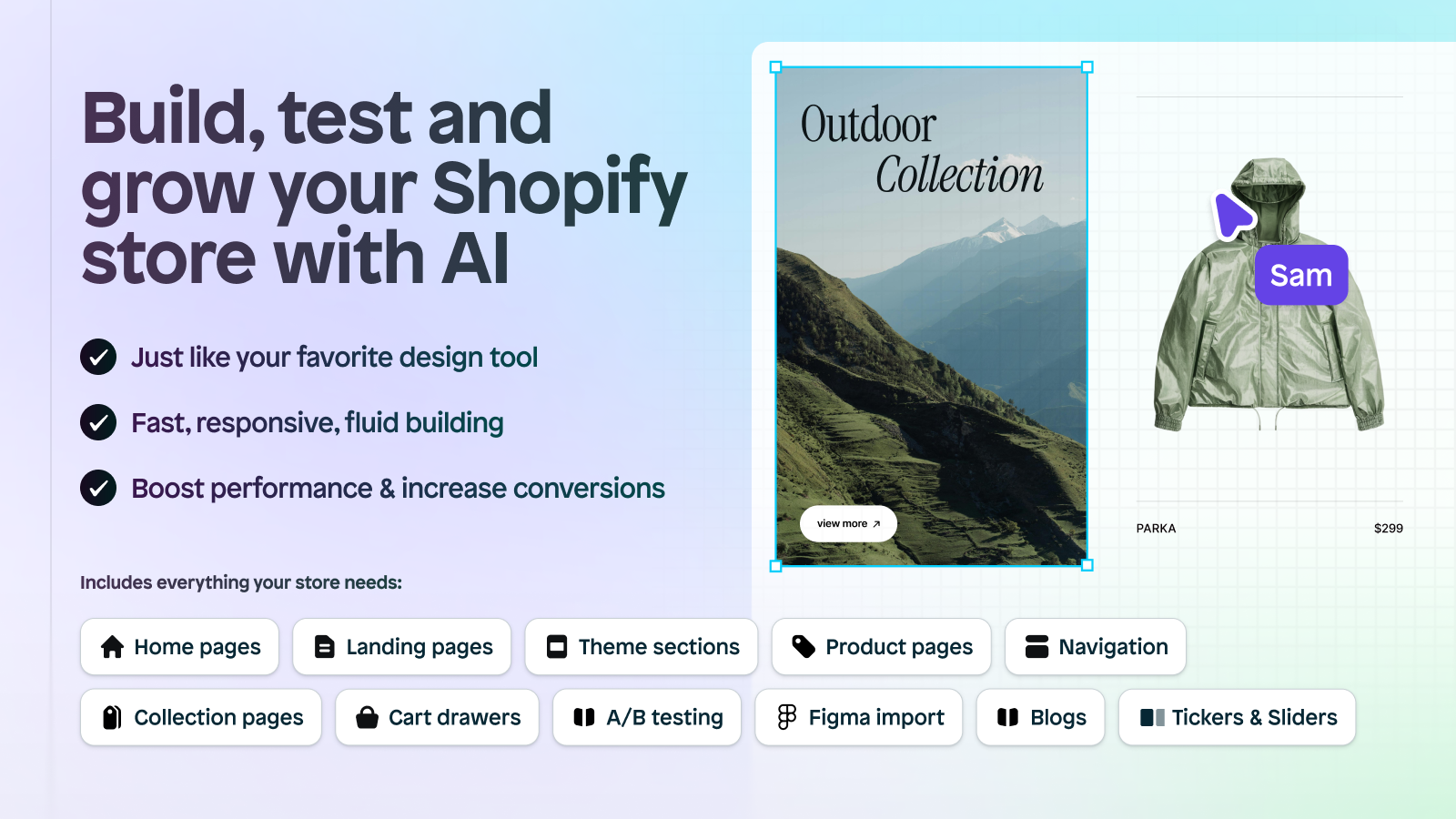
- Figma plugin used by 16,000+ designers. Paste a Figma design, get a working Shopify page. The handoff between designer and merchant is the cleanest in the page builder space.
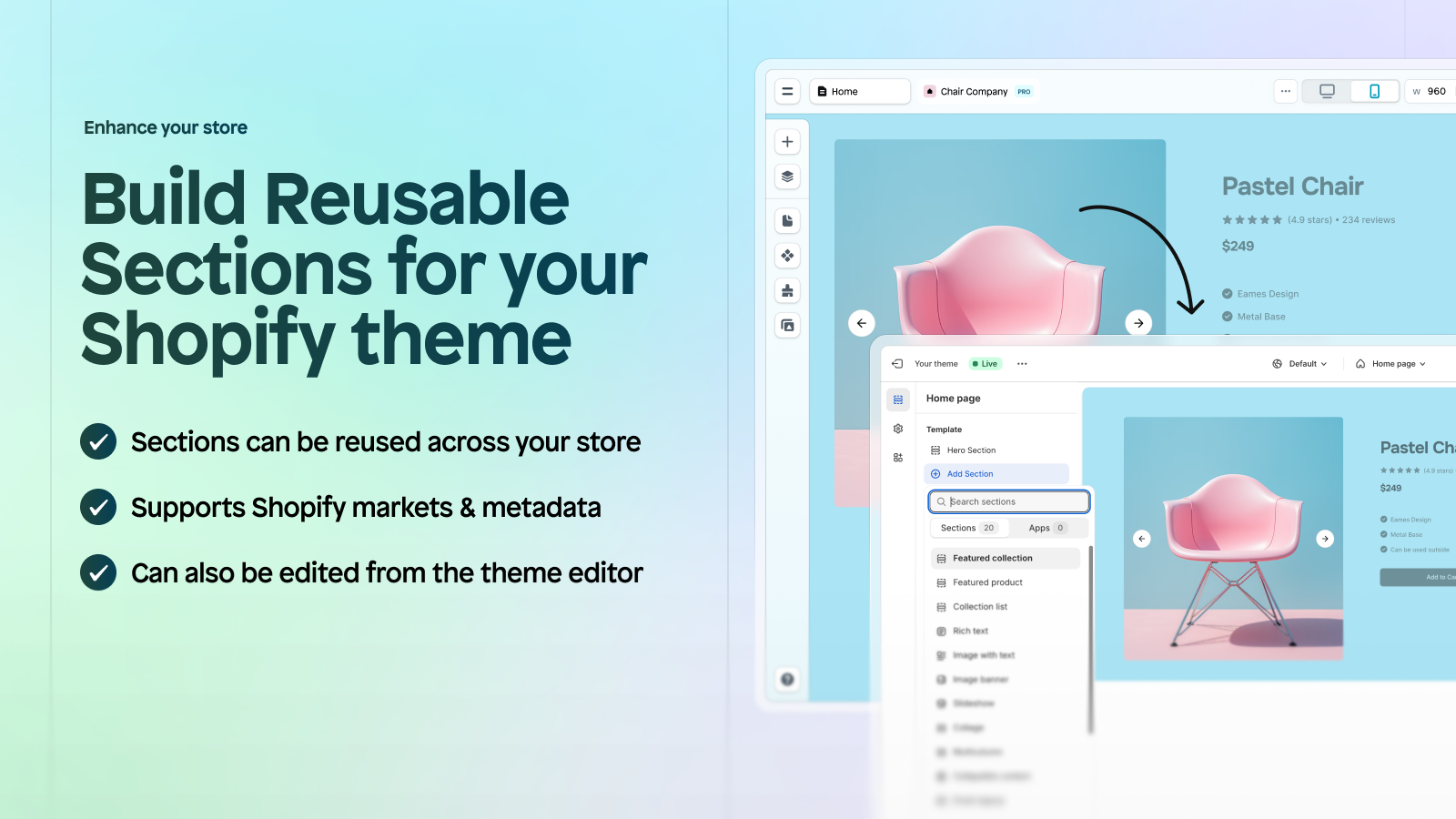
- Reusable theme sections. What you build in Instant publishes as theme sections that show up in your standard Shopify theme editor. So your team can keep editing in Instant or in the native editor, both work.
- App embeds support since August 2024. This is what makes the Rubik integration possible. Instant pages can host third-party app embeds (theme app extensions), so our swatch widget renders inside an Instant page exactly the way it would on a native theme product page.
- Built-in A/B testing. 10K test sessions on the $99 Pro plan, 100K on the $249 Business plan. You can A/B test variant grouping strategies (combined swatches vs separated products) without bolting on another app.
- Custom cart drawer. Shoppable across grouped products: customer adds the cream hoodie from one product page, the cart drawer can show “complete the look” recommendations from the navy and forest variants in the same Rubik group.
Pricing summary: Developer plan free for dev stores, Starter $39/mo (1 reusable PDP template), Pro $99/mo (5 reusable templates + A/B testing), Business $249/mo (10 reusable templates + Liquid code blocks). Annual billing saves 20%. Honest take: Starter is enough for most stores until you start running A/B tests. Pro is the sweet spot for an apparel brand running serious experimentation.
What Rubik Combined Listings does (and why Instant doesn’t replace it)
Page builders solve layout. They don’t solve variant logic. Instant has zero awareness of how to link 8 separate Shopify products as visual variants of one group, render swatches across collection cards and product pages, sync inventory in real time across grouped products, or hide out-of-stock products from the swatch row automatically. That’s not a knock on Instant; it’s a different category of problem.
That’s the gap Rubik Combined Listings fills. We built the app specifically for stores that split colors, sizes, materials, scents, or other options into separate Shopify products (because each one needs its own URL, its own SEO title, its own image set, or its own inventory record), but want them to look like one product on the storefront. Each color stays as its own product. The grouping is a frontend visual layer with metafield-based syncing. Works on every Shopify plan including Basic. No Plus required.
Quick feature list:
- Group separate products as visual variants in minutes (resource picker)
- Swatches on product pages, collection cards, search results, related products
- 4 swatch types: visual (image), color circle, button, dropdown
- 19 built-in style presets, 104 CSS variables, custom CSS per group
- Shadow DOM rendering: zero CSS conflict with your theme or with Instant’s section styles
- Real-time sync via metaobject references: out-of-stock products auto-hide (or stay visible if you turn this off for preorders)
- AI Magic Fill (auto-fills option values and swatch colors from product images), AI Visual Assistant (natural-language styling chat)
- Bulk grouping (title pattern, tags, metafields) for catalogs with hundreds of grouped products

How the two apps fit together
The integration runs on Shopify’s theme app extensions framework. Both apps are Built for Shopify certified and publish to Online Store 2.0 themes, which is what allows them to coexist without conflict. Here’s the technical mental model:
- Instant publishes the page layout as a Shopify theme template. A custom PDP template lives in your theme as a real Liquid template, editable in both the Instant editor and the standard Shopify theme editor.
- Inside that template, you drop the Rubik Combined Listings app block. This is just a theme app block (the same kind that Dawn or Horizon supports natively). Drag it into the variant area of your Instant template.
- The app block renders inside an isolated Shadow DOM. So whatever styling Instant applies to your PDP, the swatch row stays styled exactly the way you configured it in the Rubik admin. Instant’s CSS doesn’t bleed into the swatches; the swatches don’t bleed into Instant’s layout.
- The same logic applies on collection cards. Instant publishes custom collection page sections; Rubik’s collection-card swatches render inside them. Customer browses your custom collection layout and sees the swatch row underneath each card image.
Instant added explicit app embed support in August 2024 (per their changelog). Before that, third-party app blocks worked but weren’t a marketed feature. Now they are. We’ve supported customers running Rubik Combined Listings inside Instant pages since the integration matured in late 2024, and the setup typically takes 15-30 minutes once both apps are installed.
Setup walkthrough
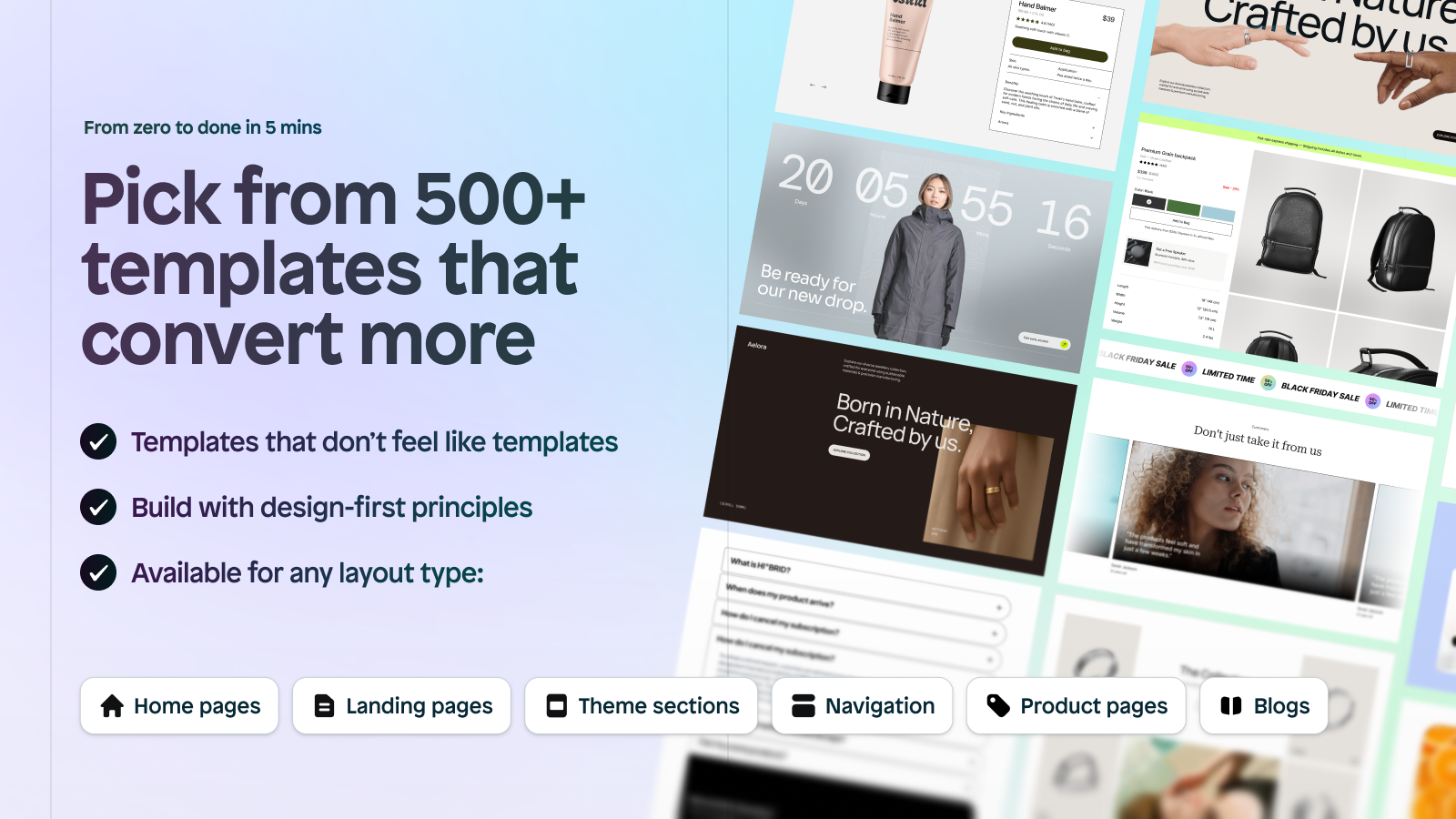
- Install Instant. Free Developer plan covers preview/testing. Pick a starting template from the 800+ CRO library or paste a Figma design via the Instant Figma plugin.
- Install Rubik Combined Listings. Free plan covers 5 product groups for testing. Group your separate products (e.g., 8 colorways of the hoodie) in the Rubik admin and configure swatch styling.
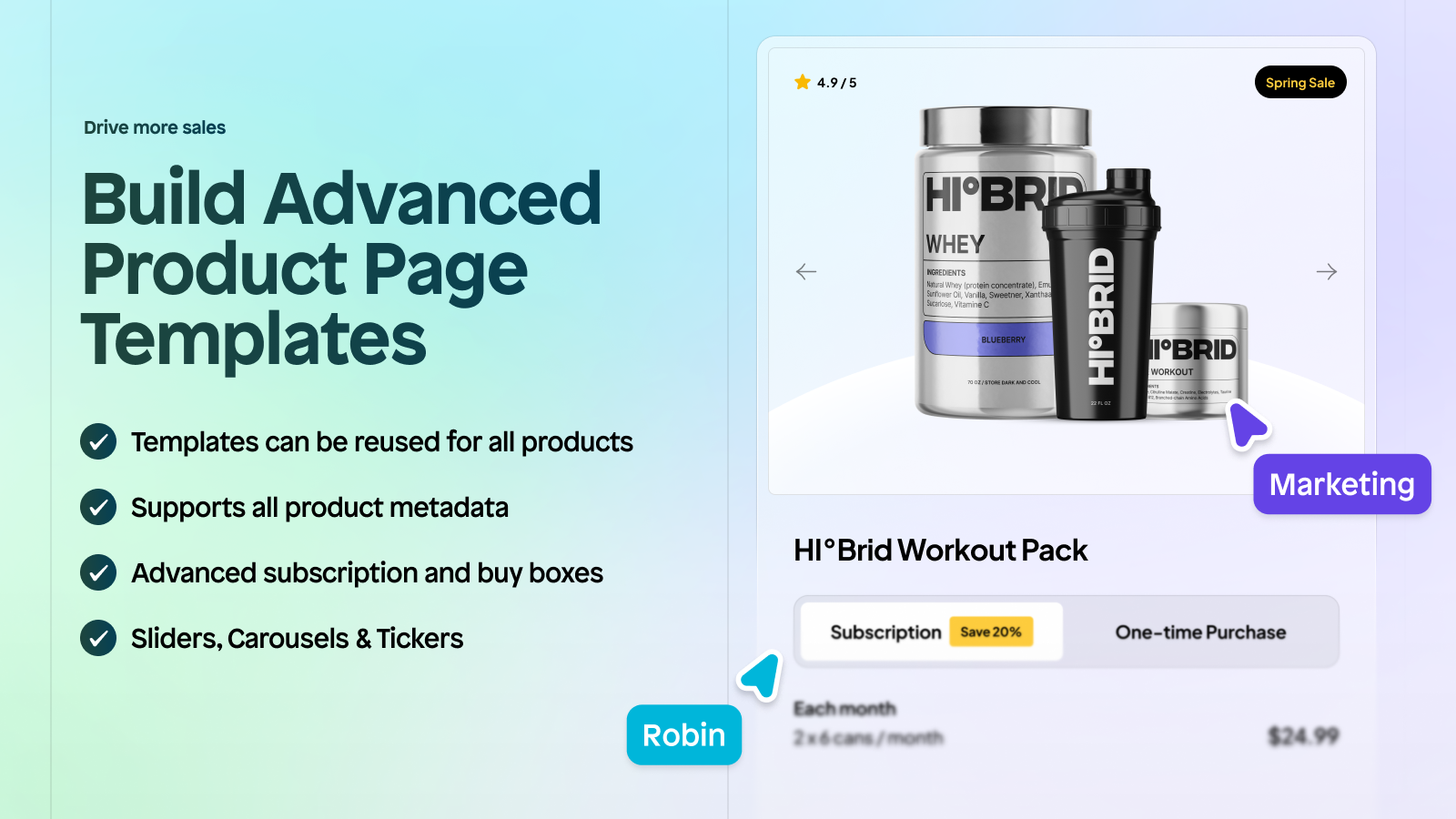
- Build your custom PDP in Instant. Layout, hero, photography, copy blocks, FAQ accordion, comparison table, whatever your design calls for. Use the buy box / variant section as the placeholder for the swatch row.
- Drop the Rubik Combined Listings app block into the variant area. In the Instant editor, find the app blocks panel, locate Rubik, drag it where the variant picker should go. Same for the product card template if you want collection swatches.
- Publish the Instant template to your live theme. Set it as the template for your flagship product (or for any product in the Rubik group, since they share the layout).
- Test the swatch row on the live page. Click each swatch and verify the URL switches to the correct product, the photos load, the price updates, and the add-to-cart works. Test on mobile too.
Before you publish, plan how many variants live in each Rubik group with our free Shopify variant calculator. Verify the swatch hex values hold up against your Instant page background with the color contrast checker.
The Figma to Shopify workflow
This is where Instant pulls ahead of every other Shopify page builder, and it’s especially useful when you’re building combined listing PDPs because designers have always struggled with how to mock up grouped products in Figma. Here’s the workflow we’ve seen work:
- Designer mocks the PDP in Figma. Hero, layout, type, color, sections, CTAs. The variant picker gets a placeholder (a row of color circles or image thumbnails) just for visual reference.
- Use the Instant Figma plugin to push the design to Shopify. The plugin converts Figma frames into Instant sections.
- Replace the variant picker placeholder with the Rubik app block. The placeholder was just a visual mock; the real variant picker is the Rubik swatch row, which renders dynamically based on your grouped products.
- Style the Rubik swatches to match the Figma design. Use Rubik’s 19 built-in presets as a starting point, then fine-tune with the AI Visual Assistant (“make swatches 32px circles with 2px border in the brand black”). The 104 exposed CSS variables cover the rest.
- Publish and verify the page-to-Figma fidelity. Side by side, the Instant page should match the Figma mock 1:1, with the swatch row functioning as a real variant picker across the grouped products.
Curious which page builder a competing store actually runs? Drop their URL into our free Shopify app detector to see their live tech stack before you commit to your own. This eliminates the back-and-forth that historically killed agency-built Shopify projects. Designer mocks in Figma, developer rebuilds in code, designer reviews, designer flags 30 small misses, developer fixes, repeat. The Instant + Rubik pairing collapses that loop because the Figma design becomes the actual storefront, and the variant logic runs natively without custom code.
Real use cases by vertical
Apparel: 8-color hoodie launch
The most common scenario. A streetwear brand drops a hoodie in 8 colorways, each color is a separate Shopify product with its own photoshoot, lookbook content, and SEO targeting. Designer mocks the flagship PDP in Figma with a tall hero image, sticky “Shop the Look” sidebar, fabric details accordion, and image swatches across the 8 colors. Instant publishes the layout. Rubik handles the 8-color swatch row plus the collection card swatches. Customer lands on the collection grid, sees the hoodie card with 8 dots, clicks cream, gets the cream product page (which uses the Instant flagship layout), with the cream-specific photos and the same swatch row at the top. Designer’s mock and the live site match 1:1.
Furniture: multi-fabric configurator
A furniture brand sells the same sofa silhouette in 6 fabric options (linen, velvet, bouclé, leather, cotton, wool) as separate products because each fabric has different cost, lead time, and inventory. Custom PDP built in Instant features a configurator-style layout: large lifestyle photo, fabric selector with image swatches showing the actual fabric texture (not just color), spec table comparing dimensions and care, “Order a fabric sample” CTA before commit. Rubik powers the fabric swatch row, customer clicks linen and the entire page updates to linen-specific photos and pricing. Same custom layout, fabric-specific data and visuals.
Cosmetics: shade-grouped catalog
Beauty brands often split foundation shades into separate products for inventory and undertone-targeting reasons. Instant builds a custom shade-finder PDP (with shade categories, undertone matcher, before/after carousel). Rubik groups the shades visually with image swatches showing the actual shade circle. Customer can browse the shade-finder section, click their match, and the swatch row above the buy box shows all available shades in that family. Add the AI Magic Fill feature to auto-detect shade hex colors from product photos for hundreds of SKUs without manual entry.
Electronics: spec-rich PDP with color/storage variants
Electronics brands love spec tables, video demos, comparison matrices, and rich media that the native Shopify template doesn’t accommodate. Instant builds the rich PDP layout. Rubik groups the same product across color and storage configurations (which are often separate products for inventory + price differences). Customer sees the spec-rich page; the variant picker handles color + storage selection across the grouped products. Pair with Instant’s built-in A/B testing to see whether moving the variant picker above or below the spec table changes conversion.
A/B testing your swatch group strategy
This is the angle that makes the Instant + Rubik pairing especially powerful. Most stores set up a variant grouping strategy and never test it. Instant’s built-in A/B testing (10K sessions on Pro, 100K on Business) lets you run the experiments that previously required Google Optimize or a third-party A/B tool.
Tests worth running on a combined listings PDP:
- Variant picker position. Above the buy box vs below the spec table vs sticky on scroll. Different verticals win differently.
- Swatch type. Color circles vs image swatches vs labeled buttons. For fashion, image swatches almost always win. For furniture, image swatches showing fabric texture win. For electronics, labeled buttons (with color name + storage) often win because customers want to read the spec.
- Swatch size. 24px vs 32px vs 48px. Larger swatches almost always lift conversion on apparel; smaller ones can win on dense electronics catalogs.
- Out-of-stock visibility. Hide OOS products from the swatch row (Rubik default) vs keep visible with a strikethrough vs keep visible with a “Notify me” badge. Conversion impact varies by category.
- Variant grouping strategy. Combined listings (one card with 8 swatches) vs separated products (8 individual cards) on the collection page. Most stores assume combined wins; sometimes separated wins for SEO-driven traffic.
Instant tracks revenue per variant, click-through rate, and average order value, then auto-picks winners. You don’t need to manually evaluate every test. Just review the rolled-up report.
“Works exactly as it should without fluff. I had an issue with my store suddenly not working anymore after redesigning my product page using Instant. I contacted Rubik CS about it, and Ümid fixed the issue that had me losing my mind for a whole day in literally just a minute. Did not expect them to be so helpful. They definitely deserve their perfect 5 star rating.”
5-star reviewer, May 2025, Rubik Variant Images on the Shopify App Store
Common mistakes to avoid
- Building the variant picker manually inside Instant. Resist the urge. Instant’s drag-and-drop will let you build a fake variant picker with text buttons. It won’t be connected to real Shopify variants and won’t sync across grouped products. Always use the Rubik app block for the actual swatch row.
- Forgetting the collection card template. Stores often build a beautiful PDP in Instant and forget that customers actually arrive on the collection page first. The Rubik swatch row needs to be on the collection card too, not just the product page. Add the app block to the product card template in Instant.
- Skipping the mobile preview. Custom PDPs built for desktop often break on mobile because designers don’t account for sticky picker behavior, swatch wrap, or thumb-reach zones. Always preview on mobile inside Instant before publishing.
- Heavy CSS overrides on the Rubik swatch row. Both apps render in their own contexts. Don’t fight Rubik’s Shadow DOM with heavy CSS overrides from Instant. Use Rubik’s own visual settings (or the AI Visual Assistant) to style the swatches; let Instant handle the surrounding layout.
- Publishing one PDP template for everything. The flagship gets the custom Instant template. The long-tail catalog gets the standard theme template. Don’t apply the heavy custom layout to every product, you’ll slow down low-traffic pages without conversion benefit.
- Skipping A/B tests on the swatch strategy. The whole point of the Instant + Rubik pairing is that you can test layout and variant grouping decisions. Use the A/B testing built into Instant Pro at minimum.
Pairing with Rubik Variant Images
Stores running combined listings on Instant frequently also run Rubik Variant Images for the in-product variant image filtering. Stack on a hoodie split into 8 color-products, each with 3 sizes (S, M, L): Instant builds the custom PDP layout. Rubik Combined Listings groups the 8 color products visually. Inside each color product, Rubik Variant Images filters the product gallery so the customer sees only that color’s photos when they pick a size. Three apps, one clean PDP, no overlap, no conflict.
Ready to ship the stack
Both apps have free plans, so you can prototype the full stack on a single PDP without paying anything. Instant’s Developer plan is free for development stores; Rubik Combined Listings free covers 5 product groups. Build the page, group the products, drop in the app block, publish. The whole setup typically takes 30 minutes for a single grouped product, longer if you’re running it across hundreds of grouped SKUs (use Rubik’s bulk grouping for that).
See the live Rubik Combined Listings demo store, watch the setup tutorial, or read the getting started guide.
Frequently asked questions
Does Rubik Combined Listings work inside Instant Page Builder?
Yes. Both apps are Built for Shopify certified and publish to Online Store 2.0 themes. Rubik renders as a theme app block that you drag into your Instant page template. Instant added explicit app embed support in August 2024, which is what makes the integration smooth. The swatch row renders inside an isolated Shadow DOM, so Instant’s page styles don’t conflict with Rubik’s swatch styles.
Do I need Shopify Plus to use combined listings with Instant?
No. Shopify Plus is only required for Shopify’s native Combined Listings feature. With Rubik Combined Listings, the same grouping pattern works on every Shopify plan including Basic. Instant also runs on every plan. The full stack works on a $39/mo Shopify Basic store.
Will Instant slow down my store with combined listings?
No measurable impact in our testing. Instant publishes native Shopify Liquid sections, not a JavaScript overlay, so the page loads as fast as a hand-coded theme template. Rubik Combined Listings renders from Shopify metafields with no external API calls. Together, they don’t add the page weight that older page builders (the JS-overlay generation) historically did.
Can I push a Figma design to a Shopify combined listings PDP?
Yes, and this is the strongest reason to use Instant for combined listings PDPs. The Instant Figma plugin (used by 16,000+ designers) converts a Figma frame into an Instant section. Replace the variant picker placeholder in the Figma design with the Rubik Combined Listings app block. Style the Rubik swatches to match the Figma mock using either built-in presets or the AI Visual Assistant. The published page matches the Figma mock 1:1.
Can I A/B test variant grouping strategies with Instant?
Yes. Instant’s Pro plan ($99/mo) includes 10K A/B test sessions; Business ($249/mo) includes 100K. You can test combined-listings layouts (one card with grouped swatches) vs separated layouts (individual product cards), test swatch position on the PDP, test swatch size, test out-of-stock visibility strategies. Instant tracks revenue and conversion per variant and auto-picks winners.
What does the full stack cost?
Free to test (Rubik Combined Listings free + Instant Developer free, on a development store). $49/mo for a working setup on a live store ($10 Rubik Starter + $39 Instant Starter, covers 100 product groups + 1 reusable PDP template + remove Instant branding). $129/mo for the recommended sweet spot on a scaling apparel brand ($30 Rubik Advanced + $99 Instant Pro, covers 500 groups + 5 reusable templates + 10K A/B test sessions).
Does Instant work with all Shopify themes?
Instant requires an Online Store 2.0 theme. That covers Dawn, Horizon, Sense, Craft, Spotlight, every Krown theme, every Out of the Sandbox theme, and basically every premium theme released after 2021. For Online Store 1.0 themes, you’d need to upgrade. Rubik Combined Listings has the same OS 2.0 requirement, so once you’re on a modern theme, both apps work.
Related reading

Umid
Co-Founder at Craftshift