Variants vs separate products for collection swatches
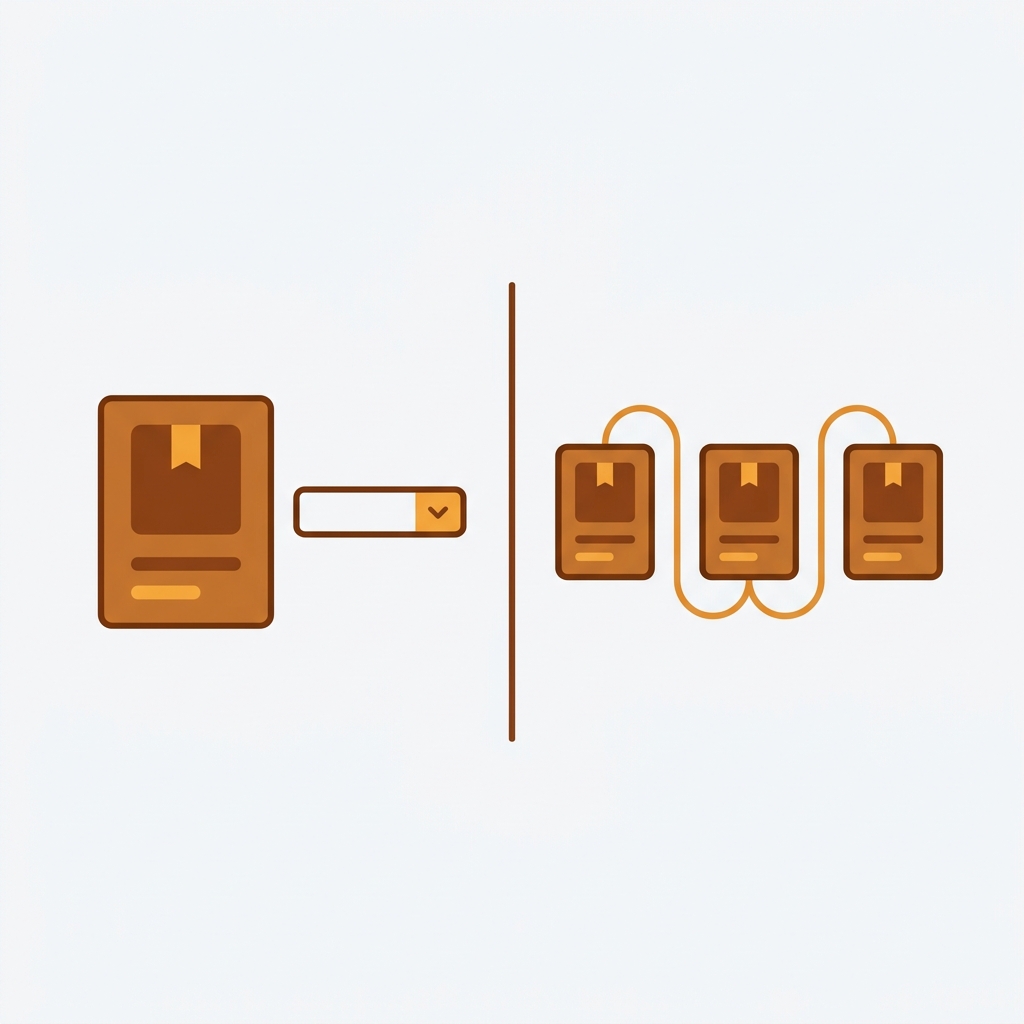
The variants vs separate products collection swatches question sounds like a design choice. It isn’t. It’s a catalog architecture decision that you make once and then live with for years, and it quietly shapes your SEO, your analytics, and whether you ever crash into Shopify’s variant limit. Pick wrong and you’ll be re-platforming your product data later. Pick right and the swatches almost build themselves.
Here’s the split in one breath. Either each color is a variant of one product (one URL, one set of reviews, one analytics row), or each color is its own product (its own URL, its own title, its own images). Both can show color swatches on your collection pages. But they get there through completely different routes, and they map to two different apps.
We build both apps, so we see this fork every week in support. People ask “which one shows swatches on collection pages?” The honest answer: both can now, but only one is right for your catalog. And the deciding factor is almost never the swatches. It’s how you structured your products in the first place.
So let’s map the decision properly. Variant limits, SEO, analytics, and which swatch route each one points to.
In this post
- The two routes to collection swatches
- The variant limit decides more than you think
- SEO: one URL or many?
- Analytics and reporting differences
- The decision table
- When you should run both
- Frequently asked questions
- Related reading
The two routes to collection swatches
There are two ways to get color swatches onto your collection pages, and they depend entirely on how your products are built. Route one: colors are variants of a single product, and an app draws swatches on that product’s card. Route two: each color is a separate product, and an app groups those products and draws swatches that switch between them.
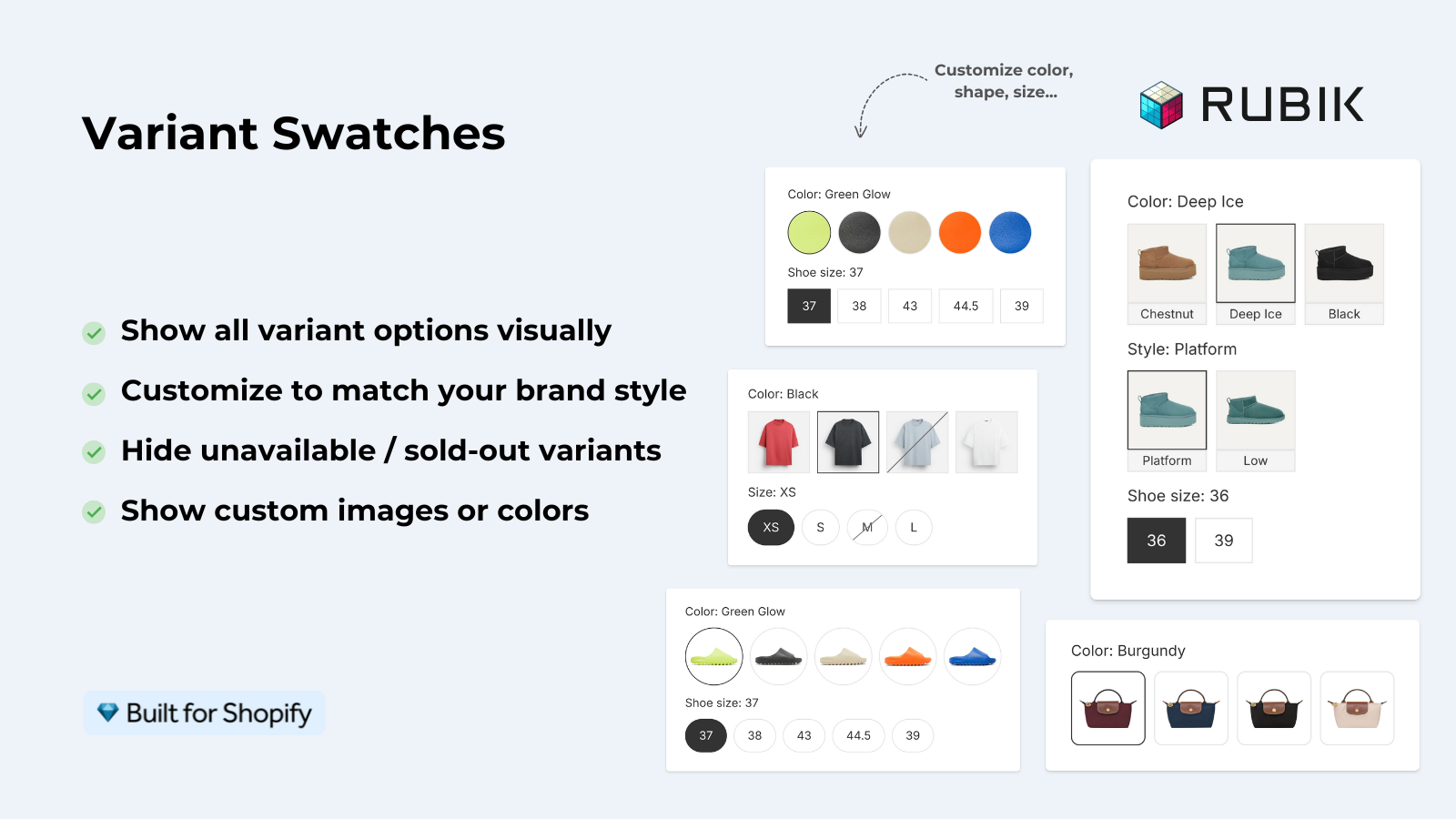
Route one is Rubik Variant Images. We shipped product card swatches in May 2026, so swatches for the variants of a single product now render directly on collection pages, search results, and the home page. Click a swatch and the card image swaps. Configure it and the card’s price and add-to-cart link update too. Hover and it previews that variant’s image. It’s metafield-based, no external API calls, and it works natively on 177+ themes including Dawn and Horizon.
Route two is Rubik Combined Listings. It links separate products together as if they were variants, then shows swatches on both collection pages and product pages. Each swatch points to a different product, a different URL. Four swatch types (visual, button, pill, dropdown), real-time sync that hides out-of-stock and draft products, and bulk grouping by title pattern, tags, or metafields.
Same visual result on the surface. Totally different plumbing underneath. Want to see the card-level swatch behavior before you commit? Watch this short walkthrough.
The variant limit decides more than you think
The Shopify variant limit is the single fastest way to rule out one route. A standard product caps at 100 variants, and even with Combined Listings the hard ceiling is 2,048 variants per product. If your color count times your size count fits comfortably under that, variants work. If it doesn’t, separate products are the only path that scales.
Picture a store with 12 colors and 8 sizes per shirt. That’s 96 variants on one product. You’re already near the 100 cap before you add a single material or fit option. Add a third option and you blow past it. Now what?
This is where most apparel and footwear catalogs land. Their colors keep growing, seasonal drops add more, and the variant math stops working. Splitting each color into its own product sidesteps the ceiling entirely, because each product carries its own size variants. No Shopify Plus required, which is the whole point of a good combined listings app.
- Under ~50 variants total, with one or two options: variants are simpler. Stay there.
- Approaching 100 variants, or three-plus options: separate products start to make sense.
- Colors you photograph heavily, with 5+ unique shots each: separate products almost always.
If you’re still unsure how Shopify counts variants and where the image limits bite, our breakdown of how Shopify variant images really work covers the math in detail.
SEO: one URL or many?
On SEO the two routes diverge hard. Variants give you one URL, one title, and one set of meta for all colors, which concentrates ranking signals on a single page. Separate products give each color its own URL, its own title, and its own indexable images, which lets you target color-specific search queries like “olive linen shirt.”
Neither is automatically better. It depends on how people search for what you sell. If shoppers search by color and your colors have real demand, separate products win because each one can rank for its own term. If shoppers search by style and color is an afterthought, one strong URL with consolidated authority is the smarter play.
My honest opinion? Most apparel stores leave money on the table by cramming colors into variants. “Sage green midi dress” is a real query with real intent, and a variant buried inside a generic product page rarely surfaces for it. Separate products plus collection swatches give you the URLs and the clean grid at the same time. That’s the combination people miss.
One caution. Separate products mean you should set canonical and internal linking carefully so you don’t split authority into dust. Group them with swatches so the collection page treats them as one choice, and the customer never feels the seams. Our guide to variant and combined listing apps walks through how that grouping actually renders, and rubikify.com has a deeper explainer on combined listings if you want the full picture.
Analytics and reporting differences
Analytics is the part nobody thinks about until reporting day. With variants, every color rolls up under one product, so Shopify reports show total units for the product and you read color performance at the variant level. With separate products, each color is its own line item, so you see sessions, conversion, and revenue per color natively.
Which do you actually want? If you reorder stock by color, separate products give you cleaner per-color numbers without slicing variant data. If you treat the product as the unit and color is just a finish, variant-level rollups keep your reports tidy and your product count low.
There’s a subtle trap with separate products: your catalog count balloons. A 200-style store with 10 colors each becomes 2,000 products. That’s fine for Shopify, but it changes how your collections, search, and bulk edits behave. Plan for it. Tools like free Shopify utilities help when the catalog gets big, and proper grouping keeps the storefront feeling like 200 products even when the backend holds 2,000.
The decision table
Here’s the whole decision in one table. Match your situation to the column, then to the app that handles it.
| Factor | Colors as variants (Rubik Variant Images) | Colors as separate products (Rubik Combined Listings) |
|---|---|---|
| Variant limit risk | Hits 100 cap fast with sizes | No realistic ceiling, each product holds its own sizes |
| URL per color | One shared URL | Unique URL per color |
| SEO target | Style and category queries | Color-specific queries |
| Analytics | Variant-level rollup | Per-product line items |
| Catalog size | Stays small | Multiplies by color count |
| Collection swatch route | Product card swatches | Grouped product swatches |
| Setup effort | Lower (one product) | Higher (group separate products) |
Notice the bottom rows. Both routes end at collection swatches. The difference is everything above that line. If you’ve already structured your products one way, the app choice is basically made for you. For a deeper look at the swatch UI itself, see our best color swatch app roundup and the rubikvariantimages.com guide on collection page color swatches.
“We’ve tried several solutions for managing variant images, but Rubik Variant Images stands out. It’s like giving our product pages a much-needed declutter. Customers now see only the images that match their selection, which has noticeably reduced the ‘Is this the right color?’ support queries. The setup was intuitive, and the results were instant. It’s one of those behind-the-scenes tools that quietly makes a big difference. Love it!”
Livspace Home, India, 2025-07-10, Rubik Variant Images on the Shopify App Store
When you should run both
Plenty of stores run both apps together, and it’s the strongest setup for big color catalogs. Combined Listings groups your separate color products and shows swatches across collection pages, so the grid stays clean. Variant Images then handles the product page so the gallery filters correctly when a shopper picks a size or sub-option inside any one color.
Why both? Because separate products solve the catalog and SEO problem, while per-variant image filtering solves the on-page experience. One without the other leaves a gap. We designed them to share the same metafield-based approach so they don’t fight each other on the storefront.
- Split colors into separate products to dodge the variant limit and get unique URLs.
- Group them in Rubik Combined Listings so collection swatches switch between colors.
- Use Rubik Variant Images on each product page to filter the gallery per size or sub-option.
Three things matter most here: clean URLs, accurate images, and a grid that looks like one product per style. That stack delivers all three. If you sell apparel, our roundups of apps for apparel stores and clothing and fashion apps show where each piece fits, and you can see card swatches live on the demo store before you decide.
“I use Rubik Combined Listings Along with Rubik Swatch. I went through, no exaggerating, 50 apps before I found what I needed. Theses guys are the real deal, and they will jump on chat and fix your problems ASAP. Definately reccomend.”
Parks Nerd, US, 2026-03-18, Rubik Combined Listings on the Shopify App Store
See it working: the Variant Images demo store, the Combined Listings demo store, the tutorial video, plus the Variant Images docs and the Combined Listings docs.
Frequently asked questions
Can Rubik Variant Images show swatches on collection pages now?
Yes. Since the product card swatches feature shipped in May 2026, Rubik Variant Images shows swatches for a single product’s variants directly on collection pages, search results, and the home page. Clicking a swatch swaps the card image, and you can configure it to update the price and add-to-cart link too.
How do I show swatches across separate products instead?
Use Rubik Combined Listings. It links separate products into one group and shows swatches that switch between those products on both collection pages and product pages. That’s the route when each color is its own product with its own URL.
Does using separate products hurt my SEO?
It can help if shoppers search by color, because each color gets its own indexable URL and title. The risk is splitting authority, so set canonical and internal links carefully and group the products with swatches so the collection page treats them as one choice.
What’s the Shopify variant limit I should worry about?
A standard product caps at 100 variants. Even with Combined Listings the hard ceiling is 2,048 variants per product. If color times size pushes you near 100, splitting colors into separate products avoids the cap without needing Shopify Plus.
Can I run both apps at the same time?
Yes, and many stores do. Combined Listings groups separate color products with collection swatches, while Variant Images filters the gallery per size or sub-option on each product page. Both are metafield-based with no external API calls, so they work together without conflict.
Related reading

Umid
Co-Founder at Craftshift