Do AI agents recognize Shopify sibling products as one product family?
Shopify Agentic Storefronts went live in March 2026. Your products now show up inside ChatGPT, Perplexity, Microsoft Copilot, and Google AI Mode by default. The customer asks “find me a black hoodie under $80,” the AI surfaces your products, the customer clicks through. Real referral channel, real revenue. The catch is that AI agents read your catalog through a different lens than your customers do, and sibling products are the most common spot where that lens falls apart.
Concretely: if you sell the same hoodie in five colors as five separate sibling products, AI agents need explicit signals to know they are siblings. Without those signals, the agents see five disconnected hoodies, surface only one (usually whichever has the most authority), and fragment your AI visibility. Same SEO problem as keyword cannibalization, but on a faster-moving channel where the gap shows up in weeks not quarters.
This post extends our broader work on how variant grouping affects AI shopping discovery with the sibling-specific angle. We cover what AI agents actually see when they read your sibling pages, the specific signals that make them recognize the product family, and the diagnostic to confirm it works.
In this post
- How AI agents read sibling products
- Why default sibling setups fail with AI agents
- Three signals that make AI agents recognize the family
- ProductGroup schema (the most important fix)
- Consistent naming and metadata
- Shopify Catalog: the channel agents actually use
- How to test if AI agents see your siblings as a family
- AI agent treatment: siblings vs unified variants vs combined listings
- The fix checklist (10 minutes per family)
- Frequently asked questions
- Related reading
How AI agents read sibling products
Three pipes feed AI agents your product data:
- Shopify Catalog API via the Universal Commerce Protocol (Google) and Agentic Commerce Protocol (OpenAI). This exposes your products, variants, and inventory. With sibling products (separate Shopify products per color), each color exposes as its own product in the Catalog. The Catalog has no inherent concept of “these five products are siblings.”
- Schema.org structured data on your storefront pages. When AI agents fetch your page directly, they read the JSON-LD. ProductGroup schema is the explicit signal that connects siblings.
- Crawled storefront pages. AI agent crawlers (GPTBot, ClaudeBot, PerplexityBot, etc.) read the page content, including images, alt text, and any structured data.
None of these pipes automatically tells the agent “these are siblings.” Without explicit signals, the agent treats five sibling products as five independent entries. The fix is to plant those signals at the schema and metadata level.
Why default sibling setups fail with AI agents
Premium themes that ship with sibling support typically render the swatch UI on the product page (the visible row of color swatches) but do not generate ProductGroup JSON-LD. The sibling relationship lives only in theme metafields, which AI agents do not read.
What the agent sees on each sibling page:
- A standalone Product schema block (name, image, price, availability)
- The page content (description, image alts, etc.)
- No declaration that this page is one of five colors of the same family
Result: when a customer asks ChatGPT “find me a navy hoodie,” the agent might surface your navy sibling page if it has good signals. When the customer asks “find me an oversized hoodie under $80,” the agent picks one of your five color pages (probably the one with the most reviews or links) and surfaces just that. The other four colors are invisible. Your catalog depth is hidden.
With ProductGroup signals added, the agent can answer “find me an oversized hoodie under $80” with “comes in navy, black, charcoal, olive, and rust” and surface the appropriate page based on the customer’s stated preference. Surface area expands from one product to five.
Three signals that make AI agents recognize the family
- ProductGroup JSON-LD on each sibling page, with each Product declaring
isVariantOfpointing to a sharedproductGroupID. - Consistent naming and metadata across siblings, with each color expressed as a structured attribute rather than buried in the title.
- The same
item_group_idin the Google Merchant Center feed for stores that submit Shopping listings.
Of the three, ProductGroup schema is the most impactful for AI agent surfacing. It is also the one most theme implementations skip.
ProductGroup schema (the most important fix)
The minimum block to add to each sibling product page:
{
  "@context": "https://schema.org/",
  "@type": "Product",
  "name": "Olive Oversized Hoodie",
  "color": "Olive",
  "isVariantOf": {
    "@type": "ProductGroup",
    "@id": "https://yourdomain.com/products/oversized-hoodie#group",
    "name": "Oversized Hoodie",
    "productGroupID": "OVERSIZED-HOODIE",
    "variesBy": ["color"]
  },
  "offers": { /* ... */ }
}
Each color’s page has its own Product schema with the color-specific data, plus the same isVariantOf object pointing at the same productGroupID. The five sibling pages all reference one ProductGroup, and AI agents reconstruct the family from that.
To add this on Shopify:
- Theme edit: modify the JSON-LD generation in
main-product.liquidto includeisVariantOfwhen the product has a sibling relationship metafield. Theme-specific. - Schema-focused app: several Shopify apps inject ProductGroup schema based on metaobject groupings.
- Combined listings app with proper schema: some apps that handle the sibling-style grouping also inject ProductGroup schema as part of the setup.
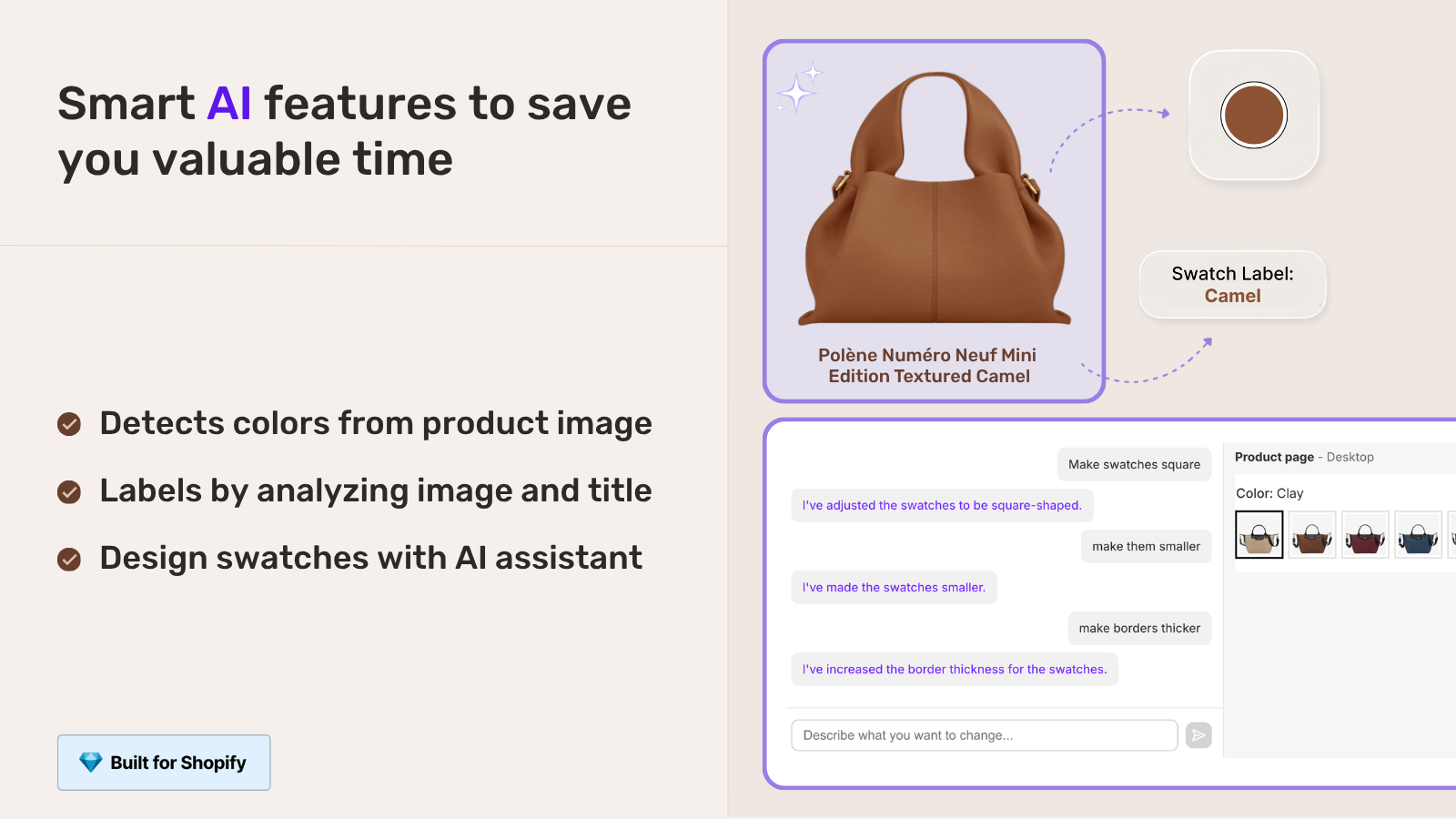
That third path is the one we built into Rubik Combined Listings. Group your separate-product-per-color setups once; the app exposes the family relationship through Shopify metaobjects and complements your existing Product schema, so AI agents read the structure without you touching theme Liquid. We added the AI-side reasoning specifically because of how Agentic Storefronts changed which signals matter.
Validate with Google’s Rich Results Test (search.google.com/test/rich-results) after adding. Confirm “Eligible for Product results” plus no errors on the ProductGroup section.
Deeper read: rich snippets schema guide for combined listings.
Consistent naming and metadata
AI agents weight clean attribute structure. Two specific habits:
- Use the
colorattribute on each Product in JSON-LD. Not just in the title. Explicit attributes are reliably parsed; inferring color from a title is shaky. - Use product metafields for material, dimensions, and other shared attributes. Each sibling has the same material? Each declares it via the same metafield. AI agents recognize “these five products share material, color is the only difference” and the family logic is reinforced.
The point is to make the variation axis (color) explicit in structured data, not implicit in the title. “Olive Oversized Hoodie” tells a human the color. "color": "Olive" in JSON-LD tells the agent.
Shopify Catalog: the channel agents actually use
Shopify Catalog is the API surface that Agentic Storefronts uses to expose your products to AI agents. It is the most direct channel; agents query it through MCP (Model Context Protocol) and pull product data in structured form.
What Shopify Catalog does and does not do for sibling products:
- Does: expose each Shopify product (including each sibling) with its full attribute set. The agent can query and retrieve any sibling individually.
- Does not: automatically link sibling products as a family. The Catalog API has no “siblingOf” or “groupId” field that ties separate products together.
So even with Catalog wired up correctly, your siblings show as five independent entries unless you supplement with ProductGroup schema. The combination is what makes the family visible: Catalog provides the data; ProductGroup schema provides the family structure.
How to test if AI agents see your siblings as a family
- ChatGPT direct test. Ask ChatGPT (with web browsing) “What colors does [your product] come in on [your store]?” If the agent responds with the full color list, your family signal works. If it responds with just one color or claims you only sell one variant, the sibling family is invisible to it.
- Perplexity test. Same query in Perplexity. Different agent, different surfacing logic. Both agreeing means the signals are clean.
- Google Rich Results Test. Validate the JSON-LD on each sibling page. Confirm
isVariantOfwith the sameproductGroupIDappears across all siblings. - Google Merchant Center. If you submit Shopping feeds, check that all siblings share the same
item_group_id. - Search Console performance. Filter to the past 90 days. If only one of your five siblings is getting impressions and the others are at zero, the family is fragmenting.
Run all five if you can. Most stores have at least one signal missing on the first audit.
AI agent treatment: siblings vs unified variants vs combined listings
| Setup | What AI agent sees | Family recognition |
|---|---|---|
| Single product with native variants | One product with multiple option values | Strong (variants are inherently a family) |
| Sibling products with no schema linking | Five disconnected products | Weak (no family signal) |
| Sibling products with ProductGroup schema | Five Products linked through a ProductGroup | Strong (explicit family declaration) |
| Combined listings (Plus native) | Linked metafield options expose the structure | Strong (metafield linking is structural) |
| Combined listings via app | Depends on app: some inject ProductGroup, some do not | Strong (when app injects schema correctly) |
Native variants get strong family recognition automatically because the variant relationship is at the API level. Sibling products and combined listings both need explicit schema to match. The work is similar; the implementation context differs.
If your colours are variants of one product rather than separate products, Rubik Variant Images assigns a separate image set to every variant instead. Free to install, 5.0 stars across 436 reviews.
The fix checklist (10 minutes per family)
- Decide on a stable
productGroupIDfor each family (e.g., the slug of the most authoritative color, or a generic family identifier). - Add ProductGroup JSON-LD to each sibling product page. Either via theme edit, schema app, or combined listings app.
- Add the
colorattribute (or whatever varies) to each Product schema block. - Validate with Google Rich Results Test on each sibling page.
- If you submit a Shopping feed, set
item_group_idconsistently across siblings. - Test surfacing with ChatGPT and Perplexity by asking what colors of [product] you sell.
Per family, this is 10 to 15 minutes. For a catalog with 30 sibling families, the work is half a day. The compounding payoff is months of better AI agent visibility.
Frequently asked questions
Do AI agents like ChatGPT recognize Shopify sibling products as one family?
Only if the sibling products declare ProductGroup schema with a shared productGroupID. Without that schema, AI agents see siblings as five disconnected products. With it, they reconstruct the family and surface the right color for the right query. Most theme-native sibling implementations skip the schema, which is the gap to fix.
Does Shopify Catalog API automatically link sibling products?
No. The Catalog API exposes each Shopify product individually. There is no inherent “siblingOf” field that ties separate products together at the API level. The family link comes from ProductGroup schema on the storefront pages.
If my variants are unified (one product, many variants), do I still need ProductGroup schema?
Less critical, because Shopify’s standard Product schema with variant data already tells the agent “this product has multiple options.” For sibling products specifically, where each color is its own Shopify product, ProductGroup is the explicit replacement signal.
How long after I add ProductGroup schema do AI agents start recognizing the family?
For ChatGPT and Perplexity (which fetch live), within hours. For Google AI Mode (which uses Google’s index), 1 to 4 weeks for the index to refresh. Submit URL Inspection in Search Console and request reindexing on the affected pages to accelerate.
Will fixing AI agent visibility hurt my Google ranking?
No. The same ProductGroup schema that helps AI agents also helps Google understand variant relationships. Both surfaces benefit from the same structured data. Adding ProductGroup is not a tradeoff; it is a layered upgrade.
Can I add ProductGroup schema without editing my theme?
Yes, via a schema-focused Shopify app or a combined listings app that injects ProductGroup as part of its setup. Theme-native sibling implementations rarely add this schema, so the supplement is usually necessary.
What if I have 50+ sibling families? Is the schema work scalable?
Yes. Schema injection is typically per-page based on a metafield or grouping reference. Set up the logic once (theme edit or app config), and it applies to every product matching the pattern. The setup time is one-shot; it scales with the number of products only marginally.
Related reading
- How variant grouping affects AI shopping discovery
- Shopify product siblings complete guide
- Sibling products SEO cannibalization
- Shopify Agentic Storefronts
- Rich snippets schema guide
- Rubik Variant Images
- Rubik Combined Listings
One closing note. The schema work is unglamorous and small. Most stores never do it because the immediate visibility difference does not show up the same day. Six months in, the stores that did the work look meaningfully different in AI agent surfacing than the stores that did not.

Umid
Co-Founder at Craftshift