Shopify sibling products and SEO: do separate URLs rank better or cannibalize?
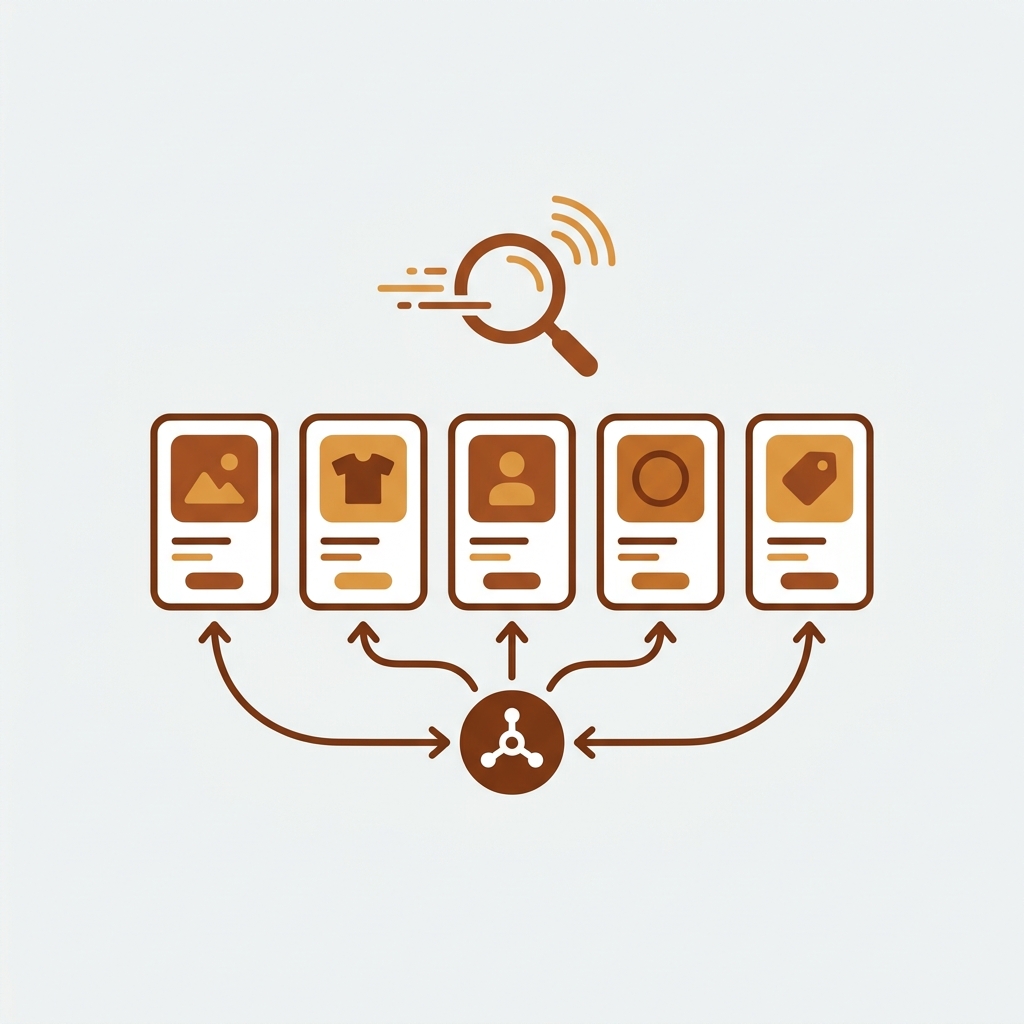
You set up Shopify product siblings. Each color of your hoodie now has its own URL, its own title tag, its own image set, its own Google Shopping line. In theory, “Black Oversized Hoodie” ranks for “black hoodie” while “Olive Oversized Hoodie” ranks for “olive hoodie” without competing. In practice, you sometimes find both pages ranking on page 3 of Google, while a competitor with one combined product page ranks on page 1. So which approach actually wins for SEO: separate sibling URLs, or unified variant pages?
The honest answer is “it depends on whether you set them up correctly.” Separate sibling URLs can rank meaningfully better for color-specific queries, or they can cannibalize each other into mid-page mediocrity. The fork is in five specific implementation details that most setup guides skip. This post walks through them, including the structured data signals that turn five disconnected products into a recognized product group in Google’s eyes.
We make Rubik Combined Listings, which is one of the apps that handles this combination of separate URLs plus group-level signals. We will mention it where it does the relevant work; the principles below apply to any sibling setup, theme-native or app-based.
In this post
- What keyword cannibalization actually is for ecommerce
- Quick sibling-products recap
- When sibling products win on SEO
- When siblings cannibalize each other
- Five rules to make siblings rank, not cannibalize
- ProductGroup schema: the structured data that prevents cannibalization
- Sibling products and Google Shopping feed
- Auditing your existing sibling setup for cannibalization
- Sibling products vs single-variant product: SEO scoreboard
- Frequently asked questions
- Related reading
What keyword cannibalization actually is for ecommerce
Keyword cannibalization happens when multiple pages on your site compete for the same search query. Google has to pick one to rank; the others split your authority signals (links, dwell time, brand recognition) without ranking themselves. The result: two pages on page 3 instead of one page on page 1.
For ecommerce, the most common cannibalization patterns are:
- Product page vs category page. Both target a category-level keyword like “leather backpack.”
- Color variants of the same product. “Black Leather Backpack” and “Brown Leather Backpack” both also fight for the broader “leather backpack” query.
- Filtered collection URLs. A category page filtered by tag generates a new URL that targets the same broad query as the unfiltered version.
Sibling products are the most acute version of pattern 2. Five color URLs all trying to rank for “leather backpack” is the textbook case. The fix is not to abandon siblings; it is to differentiate the targeting and link them structurally.
Quick sibling-products recap
If you are new to siblings, our broader Shopify product siblings complete guide covers the term and the theme support landscape. The 30-second version: sibling products are separate Shopify products that share a conceptual relationship (same item, different colors), linked on the storefront with swatches that navigate between them. Each sibling has its own URL, title, image set, and inventory. The term is theme-specific; Shopify’s platform itself has no native “siblings” feature.
When sibling products win on SEO
Three concrete cases where separate sibling URLs outperform a single multi-variant product:
- Customers search for color-specific queries with intent to buy that color. “Olive green sweater” is not the same query as “sweater.” If your data shows shoppers querying with the color word, each color page can rank for its specific query while a unified variant page is locked to the generic query.
- Each color has genuinely different content. Different photography, different model styling, different use cases (a black tuxedo shirt is sold differently than a yellow casual one). When the content of each page is meaningfully different, separate URLs reward you with topical depth.
- You sell to Google Shopping, not just organic Google. Google Shopping treats each variant URL as its own listing. Separate sibling URLs give you separate Shopping entries with separate prices and reviews. A unified variant page submits one entry with a price range.
For a fashion store with a deep editorial style on each color, siblings can deliver 30 to 60% more organic traffic than a unified variant setup. For a basics store where every color is photographed identically, the gain is smaller and sometimes negative.
When siblings cannibalize each other
Three patterns that produce cannibalization:
- Identical titles minus the color word. “Oversized Hoodie, Black,” “Oversized Hoodie, Charcoal,” “Oversized Hoodie, Navy.” If the rest of the page (description, alt text, internal links) is the same, Google sees five near-duplicates. It picks one and demotes the others.
- Same description copy-pasted with only the color word swapped. Search engines and AI agents both detect this. The page with the most authority signals (often the first you launched) gets the ranking; the rest fade.
- No structured data linking the siblings. Without ProductGroup schema or canonical signals connecting the pages, Google has no clue they are related. It treats them as five independent products, all targeting “oversized hoodie.” That is the textbook cannibalization scenario.
The third one is the most common and the most fixable. Most theme-based sibling setups skip the schema linking entirely, leaving Google to figure out the relationships from sparse signals. With explicit ProductGroup schema (covered below), Google understands the product family and stops treating the siblings as competitors.
Five rules to make siblings rank, not cannibalize
- Differentiate the title. Each color title should include the color word in a way that captures the long-tail query. “Olive Oversized Hoodie” beats “Oversized Hoodie, Olive” because the natural search phrasing is the former.
- Differentiate the description. At least the first 100 words should be color-specific. Use the color word naturally a few times. The “fits like a dream” copy can repeat across siblings; the lead paragraph should not.
- Differentiate the alt text on images. “Olive oversized hoodie front view” beats a shared “Oversized hoodie front view” alt across colors.
- Add ProductGroup schema linking the siblings. Each Product page declares
isVariantOfpointing to a ProductGroup with a sharedproductGroupID. Google understands “these five are siblings, not strangers.” - Use the parent or canonical product strategically. Some setups designate one sibling as the canonical or have a parent collection page. Either approach works as long as the structure is consistent and the schema reflects it.
The first three are content work. The last two are structured data. Most stores skip the structured data part because their theme does not generate it automatically. Worth the hour to fix.
ProductGroup schema: the structured data that prevents cannibalization
schema.org defines two relevant types for sibling setups:
- Product: each individual color page renders Product schema with its own price, image, SKU.
- ProductGroup: an umbrella entity. Not directly sold; represents the family. Each Product points to it via
isVariantOf.
For sibling products, the working pattern looks like this on each color page:
{
  "@context": "https://schema.org/",
  "@type": "Product",
  "name": "Olive Oversized Hoodie",
  "color": "Olive",
  "isVariantOf": {
    "@type": "ProductGroup",
    "@id": "https://yourdomain.com/products/oversized-hoodie#group",
    "name": "Oversized Hoodie",
    "productGroupID": "OVERSIZED-HOODIE",
    "variesBy": ["color"]
  },
  "offers": { /* ... */ }
}
Each color’s product page has its own Product block with the color-specific data, plus the same isVariantOf object pointing at the same productGroupID. Google reads all five pages and reconstructs the family.
Adding this schema in Shopify typically requires either a theme edit (modifying the JSON-LD generation in main-product.liquid) or a schema-aware app. Most premium themes that ship with native sibling support do not add ProductGroup schema by default. Worth checking your view-source on a sibling page; if you do not see isVariantOf in the JSON-LD block, it is not there.
This is one of the reasons we built Rubik Combined Listings the way we did. Each color stays as its own Shopify product (so per-color URLs and per-color SEO are preserved), and the app handles the family-level grouping through a metaobject reference structure that is consumable by both your storefront swatches and the schema layer. No theme edits, no per-theme metafield headache, and the family signal is preserved in a way Google and AI agents can read.
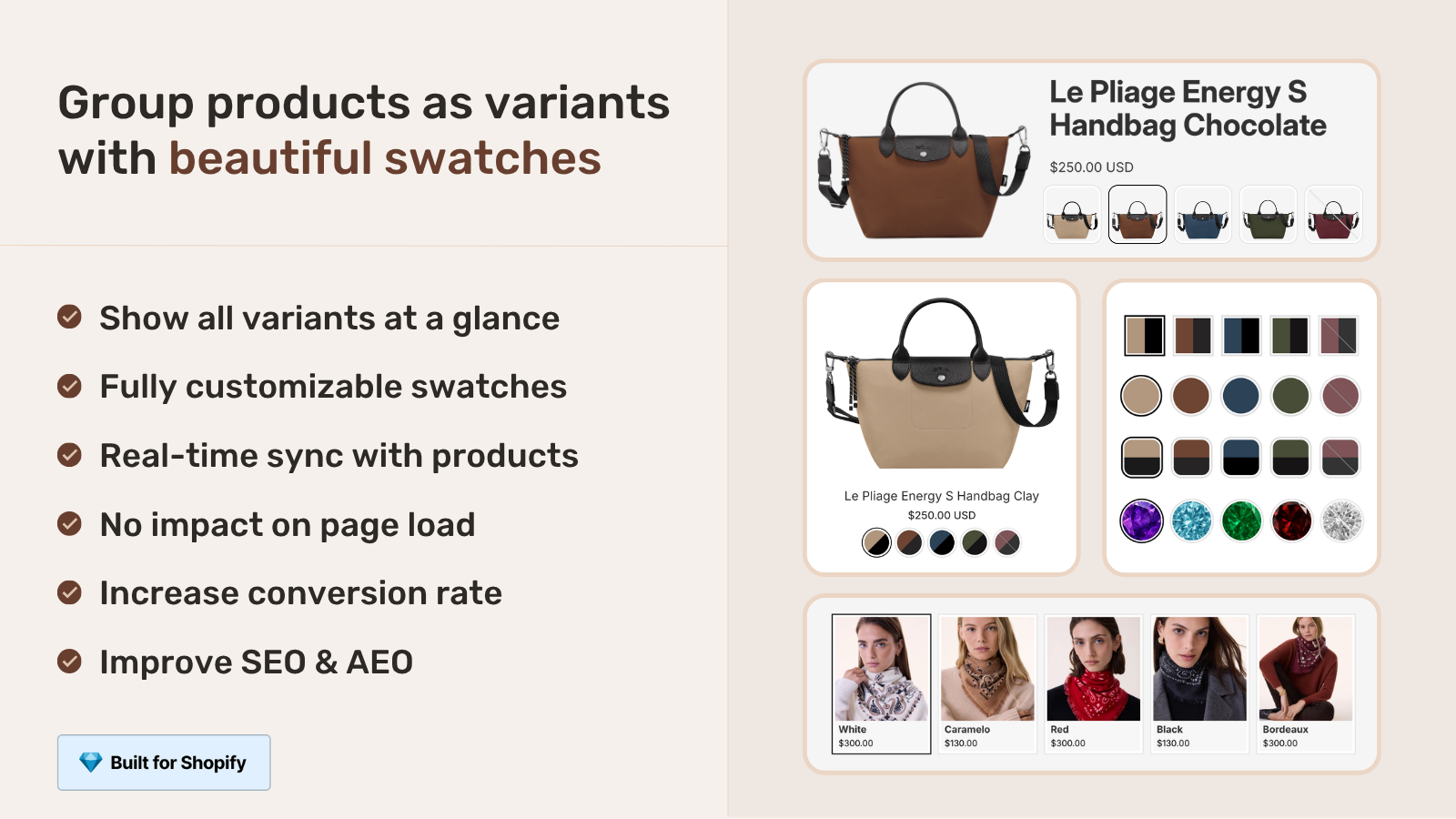
Our deeper read on this: rich snippets for combined listings schema guide.
Sibling products and Google Shopping feed
Google Shopping (Merchant Center) is a separate channel from organic Google search but related to it. Sibling products affect Shopping feed quality in three ways:
- Each sibling submits its own Shopping entry. Five color products produce five Shopping listings. Customers searching “olive hoodie” on Google Shopping see your specific olive listing with the olive price and olive photo.
- The
item_group_idattribute connects the listings. Submit each sibling with the sameitem_group_idvalue (e.g., “OVERSIZED-HOODIE”) and Google understands they are color variants of one product, not five unrelated items. This prevents cannibalization in Shopping the same way ProductGroup schema prevents it in organic search. - Color attribute is critical. Each Shopping listing should declare its
colorattribute explicitly. Google uses this to surface the right listing for color-specific queries.
Shopify does not auto-populate item_group_id by default for separate-product setups. You either need to add it via the Google & YouTube channel app’s metafield mapping, or via a Shopping feed app that reads your sibling structure. Without it, your Shopping feed treats five colors as five strangers, and you lose the family-level signal.
Auditing your existing sibling setup for cannibalization
Run through these five checks on your current sibling pages:
- Search for the parent query in Google Search Console. Filter to the past 90 days. If you see all five color pages ranking on positions 25 to 45 for the same query, that is cannibalization. If one page ranks on position 5 and the others on 30+, the structure is “working” but not optimized.
- Compare title tags across siblings. Should be different in a meaningful way (color-led, not color-as-suffix).
- Compare description first paragraph across siblings. Should mention the color naturally in the first 100 words.
- View source on each color page; search for
isVariantOfin the JSON-LD. If missing, add it. - Check Google Merchant Center. Are the siblings linked via
item_group_id? If not, fix the feed mapping.
Five checks. About 30 minutes per product family. Catches every common cannibalization pattern we have seen.
If your colours are variants of one product rather than separate products, Rubik Variant Images assigns a separate image set to every variant instead. Free to install, 5.0 stars across 436 reviews.
Sibling products vs single-variant product: SEO scoreboard
| SEO factor | Sibling products | Single product with variants |
|---|---|---|
| Color-specific keyword ranking | Strong (each color owns its query) | Weak (one URL targets generic query) |
| Generic keyword ranking | At risk of cannibalization | Strong (single URL, full authority) |
| Google Shopping listings | One per color | One total (with price range) |
| Internal authority signal | Distributed across pages | Concentrated on one page |
| Setup complexity | High (per-color content + schema) | Low (one product, native variants) |
| Best for | Fashion with editorial per color | Basics, accessories, items where color is just a swap |
Neither approach wins universally. For premium fashion where each color has its own editorial story and shoppers search with color words, siblings outperform. For basics where customers search the generic product name and color is a final preference, unified variants outperform. Most stores benefit from picking one approach per category.
Frequently asked questions
Do sibling products hurt SEO?
Not inherently. Siblings hurt SEO when set up without differentiation (identical titles minus the color, copy-pasted descriptions, no schema linking). Set up with differentiated content per color and ProductGroup schema, sibling URLs typically outperform unified variant pages for color-specific search queries.
Should I use canonical tags to point siblings at one master product?
Generally no. Canonicalizing siblings to one master URL collapses them into a single ranking entity, which defeats the point of having separate URLs. Use canonicals self-referentially (each sibling’s canonical points to itself), and connect them via ProductGroup schema instead of canonicals.
Will my sibling pages cannibalize my collection page?
Possibly, especially if both target the same broad query. Mitigate by giving the collection page a distinct purpose (broad category lens, content-rich) and the sibling pages tighter long-tail focus (color-specific queries). Internal linking from collection to siblings, with descriptive anchor text, also helps Google route the right authority to the right page.
How do I add ProductGroup schema on Shopify?
Three options: edit your theme’s main-product.liquid to add the ProductGroup block to the JSON-LD generation, install a schema-focused app that adds it on top of theme defaults, or use a combined listings app that injects it as part of the group setup. Validate with Google’s Rich Results Test.
Does sibling product structure affect AI search?
Yes. AI agents (ChatGPT, Perplexity, Copilot, Google AI Mode) use the same structured data signals that Google uses. Without ProductGroup schema, AI agents see your siblings as disconnected products and surface them inconsistently. With ProductGroup, the agent recognizes the family. We covered the AI angle in detail in how variant grouping affects AI shopping discovery.
Should I use sibling products or combined listings on Shopify?
Functionally similar at the storefront level: customer sees swatches that switch between colors. SEO-wise also similar: each color has its own URL. The main difference is implementation. Sibling products are a theme-level feature with theme-specific metafields. Combined listings (native or via app) is a Shopify-platform-level feature with consistent behavior across themes. If you want the setup to survive theme changes, combined listings is the cleaner choice.
Can I have both sibling URLs and a unified variant page?
You can. Each color is its own product (sibling URL), and a separate “parent” product holds combined variants. The parent ranks for the generic query, the children for color-specific queries. ProductGroup schema ties them together. Implementation is more complex but it captures both SEO surfaces.
Related reading
- Shopify product siblings complete guide
- Separate products vs variants SEO decision guide
- Variant grouping and AI shopping discovery
- Rich snippets schema guide for combined listings
- Rubik Variant Images for variant image management on grouped products
- Rubik Combined Listings
One closing thought. The cannibalization risk is real, but it is also fixable in an afternoon of content and schema work. Most stores never do that work. The ones that do leave the others on page 3.

Umid
Co-Founder at Craftshift