Combined Listings for Shopify furniture stores: group sofas, tables, and chairs the right way
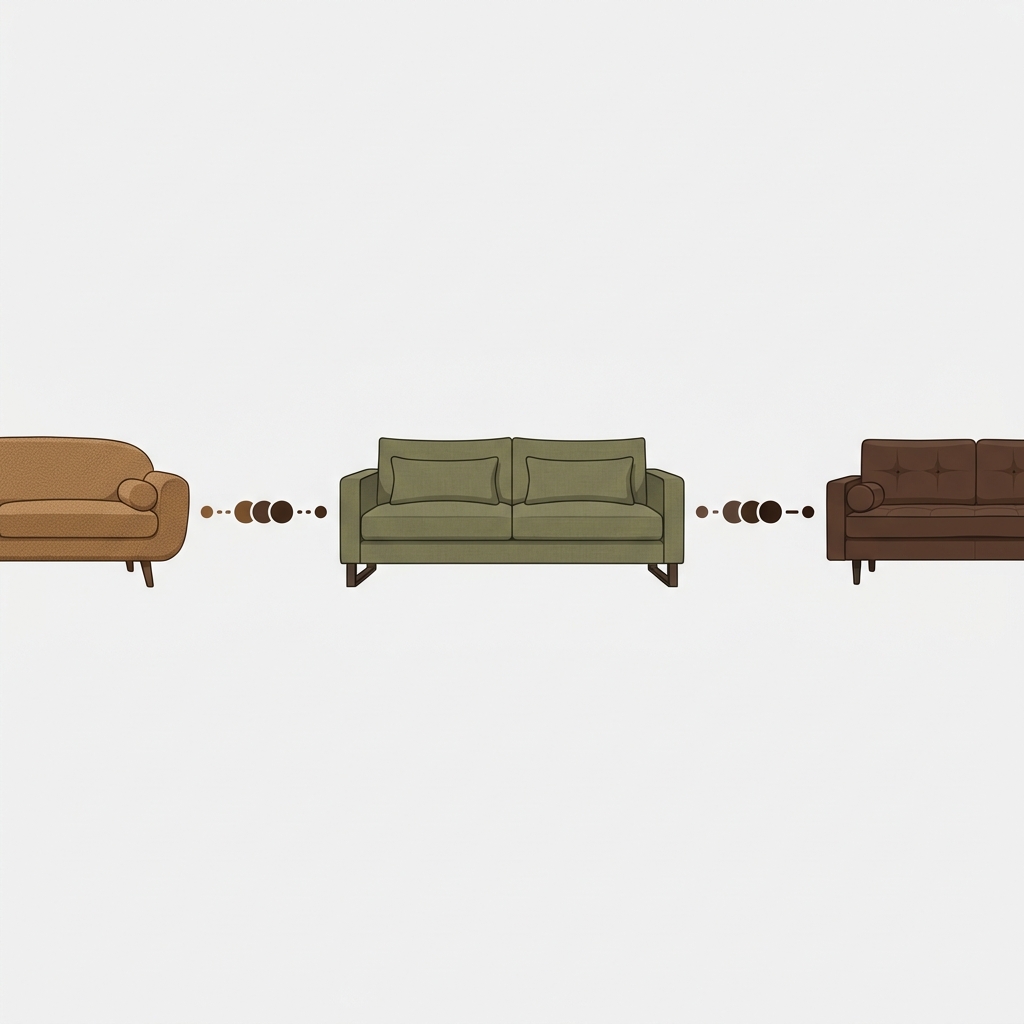
A sectional sofa in 8 fabrics, 3 leg finishes, and 2 chaise orientations is 48 variants before you add cushion fill or arm style. Add those, and you are sitting on 200+ variants for a single product. Shopify’s standard plan caps you at 100 per product, and even at 2048 (with combined listings on Plus), the product page becomes unusable. Three giant dropdowns, a gallery full of unfiltered photos, and a customer who closes the tab. Furniture stores feel this pain harder than almost any other category, and the right Shopify combined listings setup is what fixes it.
This post is about how to use combined listings for furniture stores on Shopify in 2026. Not the generic “what are combined listings” explainer (we have a dedicated guide for that), but specifically how furniture catalogs benefit, where the tradeoffs hurt, and the mental model we recommend after onboarding furniture brands onto our Rubik apps.
Furniture is a niche where the wrong catalog architecture costs real money. A $2,400 sofa with 6 fabric options buried in a dropdown converts worse than the same sofa shown as 6 connected products with photo swatches on the collection page. So which approach is right? Both, kinda. That is the argument we are making here.
In this guide
- The variant math problem with furniture
- Why “split into separate products” creates a worse mess
- How combined listings bridge the gap
- Collection page swatches change furniture browsing
- Native variants vs grouped products: a furniture decision tree
- Pairing combined listings with variant image filtering
- Setting up combined listings for a furniture catalog
- What plan does a furniture store actually need?
- FAQ
- Related reading
The variant math problem with furniture
Furniture is a high-option category. Every flagship piece carries fabric, color, finish, and often size or configuration. Run the numbers on a typical mid-range sofa:
- 8 fabric options (linen, boucle, leather, velvet, performance weave, etc.)
- 4 fabric colors per fabric (and they are NOT the same set across fabrics)
- 3 leg finishes (walnut, black, brushed brass)
- 2 sizes (loveseat, sofa)
That is 8 x 4 x 3 x 2 = 192 variants for one sofa. Shopify Basic and Grow plans cap you at 100 variants per product. So before you have even uploaded a photo, the catalog is structurally broken. The fix on Plus is the 2048 variant limit with combined listings, but most furniture stores running on Basic or Grow can’t justify the Plus jump for one feature.
And honestly? Even if you have the variant headroom, a product page with three big dropdowns and 200 variants is a UX failure. Customers don’t read dropdowns on a $2,400 purchase. They want to see what “Camel Boucle with Walnut Legs” looks like, full size, in a room, before they click anywhere. That is the actual problem. The variant cap is a side effect.
Why “split into separate products” creates a worse mess
The first instinct most furniture stores have is to split. One product per fabric. One product per finish. The “Linnea Sofa” becomes 8 products: “Linnea Sofa, Boucle Camel,” “Linnea Sofa, Linen Stone,” and so on.
This works. But it creates a new problem. The collection page now has 8 versions of the same sofa stacked next to each other, and a shopper looking for a sectional sees the same silhouette eight times in a row. They think the catalog is small. They scroll past. We’ve seen this on dozens of furniture sites we onboarded onto Rubik Combined Listings. It is the single most common reason furniture brands come to us asking for a fix.
So which is worse? Three dropdowns and 200 variants? Or eight near-identical product cards on the collection page? Honestly, both are bad. But the eight-product version is worse because it kills discoverability before the shopper even hits the product page. At least the dropdown version gives them a chance.
How combined listings bridge the gap
Combined listings let you keep the eight separate products (for inventory, SEO, and unique URLs per fabric) while displaying them as one connected listing on the storefront. The 8 sofa products show up as a single card on the collection page with fabric swatches under the title. Click the camel boucle swatch, the card image swaps to camel boucle. Click the product, you land on the camel boucle product page with the right photos, the right SEO metadata, and the right inventory.
From the shopper’s perspective, it looks like one sofa with 8 fabric variants. From Shopify’s perspective, it is still 8 separate products with their own URLs, their own metafields, their own image galleries. That is the bridge.

We built Rubik Combined Listings for exactly this case. It does not require Shopify Plus. It does not touch your variant data. It groups products via metaobjects and renders the swatches via Shadow DOM, which means it works across 420+ themes and page builders without breaking.
“Umid provided absolutely outstanding support while helping me set up the Rubik Combine Listings app. The app itself is fantastic and does exactly what it promises, but what really made the experience exceptional was Umid’s help. He was extremely knowledgeable, patient, and very quick to understand the issue I was facing. He walked me through the process clearly and made sure everything was working perfectly on my store.”
LEUVEN HOME, US, 2026-03-05, Rubik Combined Listings on the Shopify App Store
Collection page swatches change furniture browsing
Furniture is a visual category. Nobody buys a sofa from a thumbnail. They buy after seeing 4 to 6 photos minimum, including a room scene. So why are most furniture collection pages showing only one fabric per product card?
Because Shopify’s default collection page does not natively support cross-product variant swatches. You get one image per card, and that’s it. If a sofa comes in 8 fabrics, you either pick one fabric to feature (and lose the other 7 from the browsing experience) or split into 8 products (and clutter the page).
Collection page swatches via combined listings let the shopper preview every fabric option on the card itself, before clicking. This is a meaningful conversion lift on furniture catalogs, because furniture buyers are pattern-matching to their living room, their decor, their existing pieces. Letting them see “is the camel one going to clash with my rug” without leaving the collection page is the entire game.
For more on the visual side, the collection page swatch display guide on rubikify.com walks through the layout choices (carousel, grid, dropdown) for grouped products on collection cards.
Native variants vs grouped products: a furniture decision tree
Not every furniture product needs combined listings. Sometimes native Shopify variants are the right call. Here is the rough decision tree we use when consulting furniture brands.
| Scenario | Use native variants | Use combined listings |
|---|---|---|
| Side table in 3 finishes, no other options | Yes | No |
| Sofa in 8 fabrics x 3 finishes (24 combos) | Borderline | Recommended |
| Sectional in 8 fabrics, 4 colors per fabric, 3 finishes (96+ combos) | Breaks variant cap | Required |
| Each fabric needs its own SEO title/URL | No | Yes |
| Each fabric has unique inventory tracking by warehouse | Hard | Cleaner |
| You want fabric swatches to appear on collection cards | Limited | Yes |
| You want one master URL with all options inside | Yes | No |
The decision usually comes down to two questions. First: does each fabric or finish carry meaningful SEO weight on its own (does someone search “boucle sofa” specifically)? Second: do the inventory or operations teams want each fabric tracked as its own SKU lineage? If yes to either, go separate products with combined listings on top.
Pairing combined listings with variant image filtering
Combined Listings handles the collection page and the swatch-to-product navigation. It does not filter the product page gallery by selected option. That is a separate problem, and it has its own dedicated solution: Rubik Variant Images.
Why does this matter for furniture? Because each fabric variant has its own set of photos. Camel boucle has its own studio shot, its own room scene, its own 3/4 angle, its own close-up. If a customer clicks the walnut leg finish on the product page, they expect to see walnut leg photos, not the brushed brass shots from earlier. Without filtering, the gallery dumps all 50+ images in a single feed, and the shopper either scrolls forever or assumes “this is what walnut looks like” while staring at a brass leg photo.
Variant image filtering on the product page closes that loop. The setup walkthrough for furniture catalogs lives in our furniture variant images guide, and the broader best Shopify apps for furniture stores roundup covers the rest of the stack (bundles, GDPR, dimension guides, deposits).


Setting up combined listings for a furniture catalog
If you are migrating an existing furniture catalog where each fabric is already a separate product, the bulk grouping flow is what you want. Three detection methods exist:
- Title pattern. If your products are named “Linnea Sofa, Boucle Camel” and “Linnea Sofa, Linen Stone,” the title pattern detector splits on the comma (or dash, slash, pipe) and groups everything sharing a common prefix.
- Product tags. If you tag products with a structured tag like
RUBIK::linnea-sofa::fabric::boucle-camel::#C8A57A, the tag detector parses the format and groups everything matching the master group. - Metafield grouping. The most flexible. You point at a metafield (like
parent_product_idorfabric_family), and groups form by shared metafield values.
For a new catalog, manual grouping is fine. Pick the products in the resource picker, save the group, drop in the swatch hex codes (or upload swatch images for fabric textures). The AI Magic Fill feature will auto-extract option values and detect swatch colors from product images, which saves an enormous amount of work on a 200+ product catalog. We’ve watched merchants set up 50+ groups in under an hour using AI Magic Fill on furniture stores with consistent product naming.
For more on the bulk grouping methods, the bulk grouping deep dive walks through each detection method with examples.
What plan does a furniture store actually need?
Combined Listings pricing is flat (not Shopify-plan-based). Four tiers:
| Plan | Price | Product groups | Good fit for |
|---|---|---|---|
| Free | $0 | 5 | Trying it out, single flagship sofa |
| Starter | $10/mo | 100 | Boutique furniture with one product line |
| Advanced | $30/mo | 500 | Mid-market furniture (sofas, beds, tables) |
| Premium | $50/mo | 5,000 | Full furniture catalog, multi-brand |
Annual billing knocks 17% off. For a typical furniture brand with 80 to 150 products and an average of 5 to 8 grouped variants per product, Starter or Advanced covers it. The cap is on group count, not on the products inside each group, so a single group with 12 fabric variants still counts as one group.
See the live demo store, watch the AI features tutorial, or read the getting started guide.
FAQ
Do I need Shopify Plus to use combined listings on a furniture store?
No. Native Shopify combined listings on Plus give you the 2048 variant cap inside one product. Rubik Combined Listings runs on every Shopify plan and groups separate products without using the native combined listings feature, so you can use it on Basic, Grow, Advanced, or Plus.
Should each fabric or finish be its own product, or a variant?
Make it a separate product if (a) the fabric carries its own SEO weight, (b) inventory or warehouse tracking differs, or (c) you have more than 100 total combinations. Otherwise native variants are simpler. Combined Listings is what makes the separate-product path viable on the storefront.
Will combined listings slow down a furniture site?
No measurable hit on tested catalogs. Rubik Combined Listings is metafield-based with no external API calls. Group data ships with the page itself, so collection cards render with swatches in the same paint cycle as the rest of the storefront.
How do I show different photos for each fabric on the product page?
That is variant image filtering, which is what Rubik Variant Images handles. Combined Listings handles cross-product navigation; Variant Images handles the per-variant gallery filter inside each product page. Furniture stores typically need both.
Can I bulk-create groups for an existing 200-product furniture catalog?
Yes. The bulk grouping flow supports three detection methods: title pattern (auto-detects shared prefixes), product tags (parses a structured tag format), and metafield grouping (groups by shared metafield value). Title pattern handles most furniture catalogs that already use a “Sofa Name, Fabric Color” naming convention.
Does it work with my page builder?
Beae, EComposer, Foxify, GemPages, Instant, PageFly, and Replo are all supported. 350+ themes are also covered, including Dawn, Horizon, Prestige, Impact, Impulse, and most premium furniture-focused themes from Pixel Union, Maestrooo, and Krown.
What about made-to-order furniture with custom configurations?
Combined Listings handles fixed option sets (8 fabrics, 3 finishes). For free-form configurators (custom dimensions, monogramming, fabric uploads), you need a configurator app on top. Combined Listings is the discovery and navigation layer; configurators handle the customization layer.
Related reading

Umid
Co-Founder at Craftshift