How to use Shopify combined listings for multi-pack and bundle products
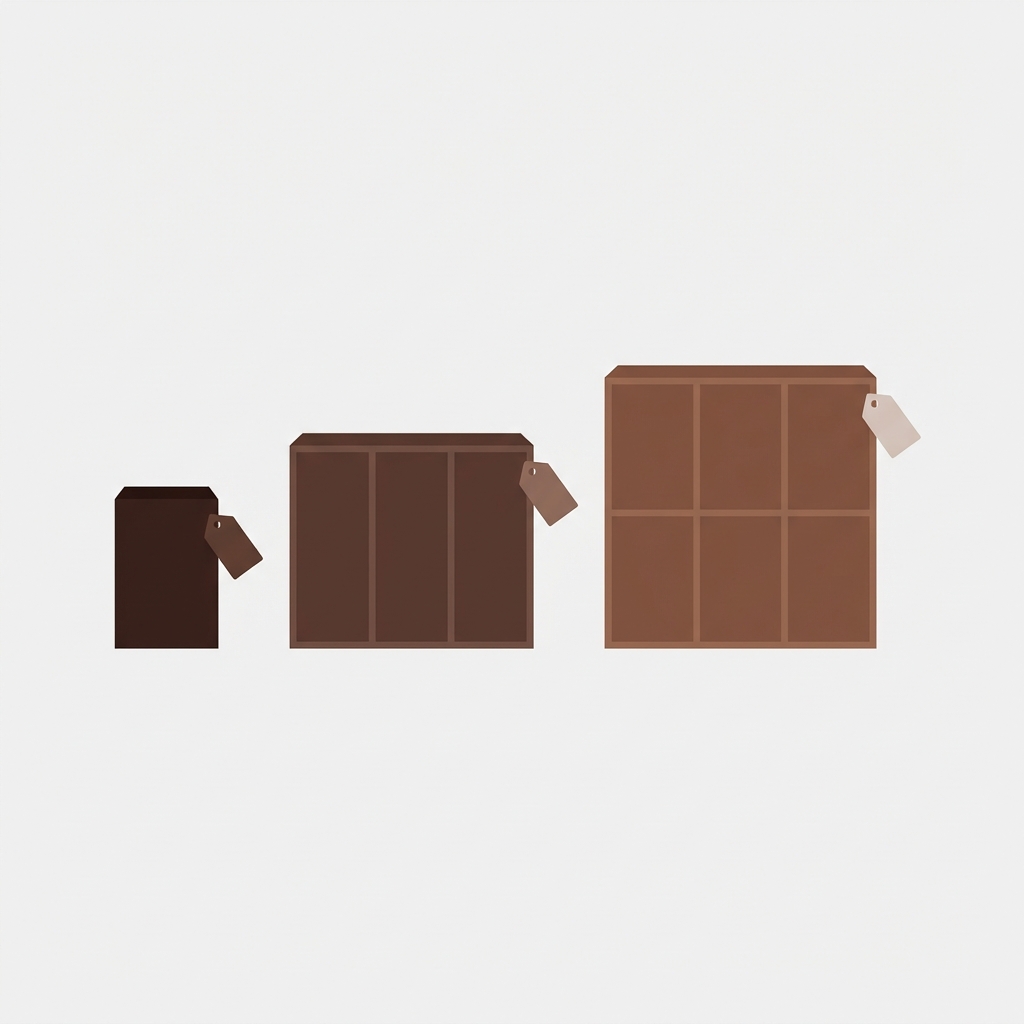
Selling multiple sizes of the same product (i.e single, 3pack, 6pack, case of 24) is standard practice for most types of products in the market place (supplements, beauty, food, etc, even wholesale stores). The question then is how to organize and price these various sizes on your Shopify store. You could use product variants, a separate product for each size, or a bundle product with multiple sizes, all with their own advantages and disadvantages for the store owner and customer alike.
Instead of creating variable product packaging with options (i.e. 5-pack, 10-pack, 25-pack), create product packaging as individual products where each pack size has its own price, images and description. On the product page, provide product color swatches that link to the product page for other pack sizes. Customers can browse for all pack sizes and see the individual pack size for what they will be getting. For each individual product packaging offer, customers can see their per unit savings as they increase quantity to the next packaging level and order the quantity that is most cost effective for them.
In this post
- Why not use variants for pack sizes?
- The combined listings approach
- Setting it up step by step
- Pricing strategy for multi-packs
- Common use cases
- FAQ
Why not use variants for pack sizes?
You could create one product with a “Pack Size” option: Single ($10), 3-Pack ($27), 6-Pack ($48). This works technically but creates problems:
- Misleading “From” price. The collection page shows “From $10” which is the single-unit price. A customer looking for the 6-pack sees $10 and clicks through expecting a deal, only to find the pack they want costs $48. The “From” price is technically correct but misleading.
- Shared images. A single product photo might show one unit, but the 6-pack should show 6 units in packaging. With variants, all pack sizes share the same gallery unless you use variant image filtering.
- Wastes an option slot. “Pack Size” as an option uses one of your 3 option types. If the product also has flavors and sizes, you have no room for pack quantity.
- Weight and shipping. A single unit weighs 200g. A 6-pack weighs 1.2kg. Variant weight fields handle this, but it is another thing to configure per variant.
The combined listings approach
Create a separate product for each pack size:
- “Protein Powder (Single)” at $29.99
- “Protein Powder (3-Pack)” at $79.99 (save 11%)
- “Protein Powder (6-Pack)” at $149.99 (save 17%)
Each individual product has its own price. No “From $29.99” nonsense when showing the price for the 6-pack listing. Each individual product has its own images. Each product individualy has its own shipping weight.
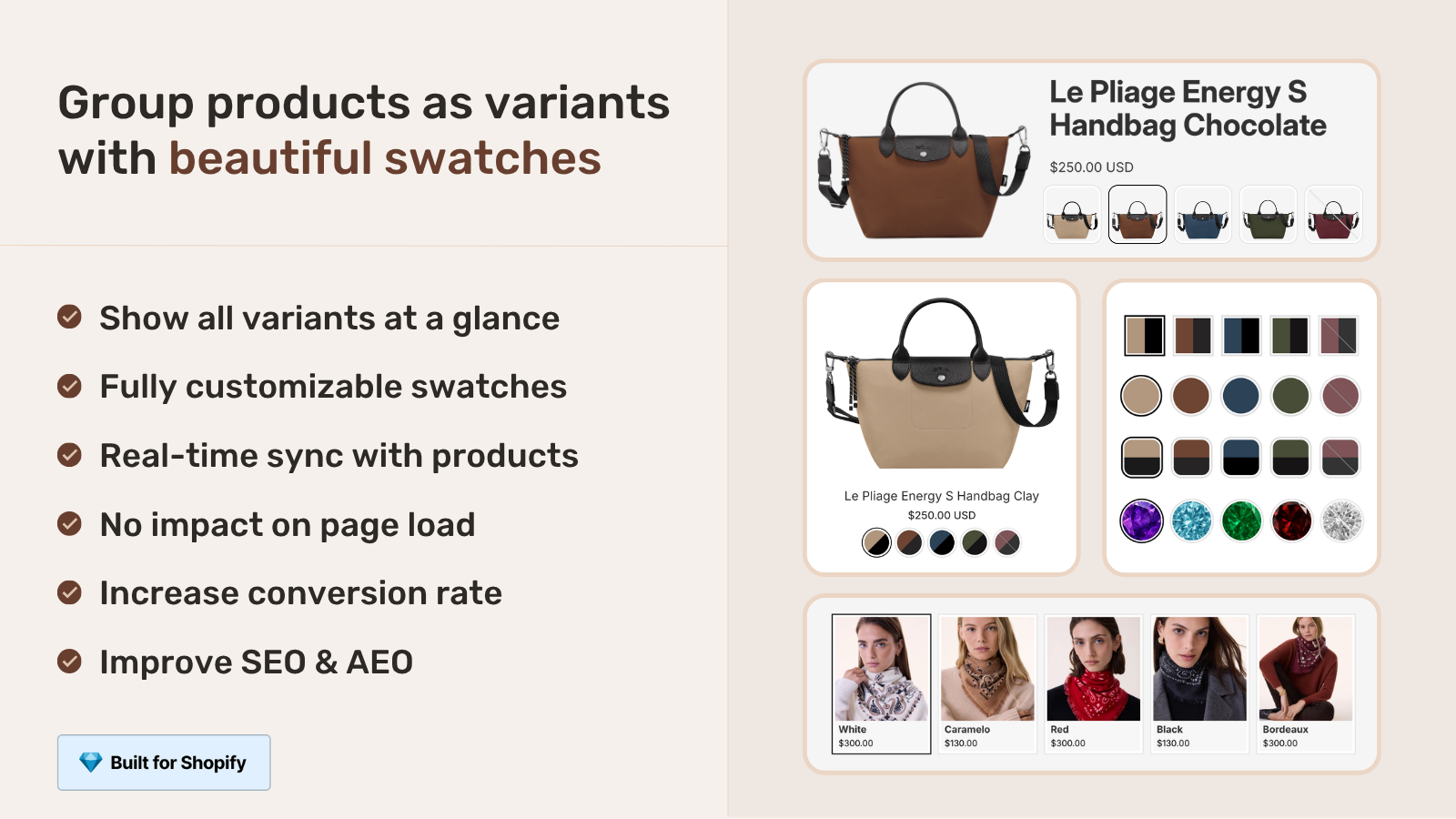
Rubik Combined Listings allows you to display products with pack size swatches in your store. Each pack size is grouped as a separate product on your site with pack size swatch buttons like “Single”, “3-Pack” and “6-Pack”. Each pack size links to it’s own unique product page with it’s own price, images and description. Customers can see the discount for each tier and choose the one that is best for them.
Setting it up step by step
- Create separate products for each pack size. Set the title, price, images, weight, and description per product.
- Install Rubik Combined Listings and create a group. Add all pack size products to the group.
- Set the swatch type to “Button” (text labels like “Single”, “3-Pack” work better than color circles for quantities).
- Configure collection page display. One product card with pack size swatches underneath, or separate cards per pack size. The grouped approach is cleaner.
If each pack size also comes in multiple flavors (Chocolate, Vanilla, Strawberry), each flavor-pack combination is a separate product. i.e. ” Chocolate Protein (3-Pack)” is one product. Rubik Combined Listings can group by pack size AND flavor using categories, so customers first pick the flavor, then the pack size.
Pricing strategy for multi-packs
Multi-pack pricing should clearly show the value of buying more. Two approaches:
- Percentage discount per tier. Single: full price. 3-Pack: 10% off. 6-Pack: 15% off. 12-Pack: 20% off. Simple, easy to communicate.
- Fixed price per unit at each tier. Single: $10/unit. 3-Pack: $9/unit ($27 total). 6-Pack: $8/unit ($48 total). Shows the per-unit savings directly.
Show price per unit with discount on each product page for 6 packs, 12 packs, etc. Include the discount percentage as well so it’s visible to customers. So for example, 6-Pack: $48 ($8 per coffee, save 20% when buying a six-pack instead of individually).
Use Shopify’s compare-at feature to show “without bundle” struck through price on multi packs. Here we’ve set the compare-at to $60 for the multi pack ($48) and $24 for the 4 pack ($20). On the product page it shows up as “$20 $24” or “$48 $60”.
If your colours are variants of one product rather than separate products, Rubik Variant Images assigns a separate image set to every variant instead. Free to install, 5.0 stars across 436 reviews.
Common use cases
| Industry | Pack sizes | Why combined listings works |
|---|---|---|
| Supplements | Single, 3-Pack, Subscribe | Different pricing tiers, subscription needs own product |
| Skincare | Travel size, Full size, Duo pack | Different images (small vs large bottle), different descriptions |
| Food / Beverage | Single, 6-Pack, Case of 24 | Shipping weight varies dramatically, separate inventory |
| Pet supplies | Small bag, Large bag, Bulk | Different product photos, different feeding guidelines per size |
| Office supplies | Single, Box of 10, Carton of 100 | B2B quantity tiers with different pricing |
For the product page variant display shown for each pack size product (e.g. flavor swatches, size options) we use a combination of Rubik Variant Images to handle the swatch display and image filtering, and this app to organize products by pack size and have variant picker per product shown by Combined Listings.
“Great app and the customer service was insane. They answer quickly and even uploaded a Youtube video just to explain how solve on of our problems. The app is also great, has every functionality you could need.”
Vista, France, 2026-02-20, Rubik Combined Listings on the Shopify App Store
Frequently asked questions
Should I use variants or separate products for multi-packs?
With 10 Separate products listed under Combined Listings you loose the benefit of variants which display “From” pricing, share images for different sizes, and waste 1 listing option as you need to list each size individually with its own price, images, weight and description.
How do I show savings on multi-pack products?
Use compare-at price with the single-unit total and also display the per unit savings in the product description, i.e ” $48 $60 (save 20%)”
Can I combine pack sizes with flavor or color options?
Yes. Each flavor-pack combination is a separate product. Rubik Combined Listings groups products by customers’ first choice of flavor (Chocolate or Vanilla), then choice of pack size (Single, 3-Pack, 6-Pack).
Does this work for subscription products?
Yes. Create the subscription as a separate product with your own pricing and subscription app integration. List this alongside your single-purchase products in the Combined Listings widget. Use the “Subscribe” swatch that links to the subscription product page.
How does inventory tracking work for multi-packs?
Each variation of pack size is tracked individually. e.g. A sale of 1 single item does not reduce single item inventory but a sale of 1 six-pack reduces 6-pack inventory by 1. Variants (packs in shopconnect) are not used for pack sizes and thus no variant codes would be needed and item and pack inventories would be automatically synchronised and would not need to be manually monitored.
Related reading

Umid
Co-Founder at Craftshift